
Embed a 3D product viewer into any page that already sells
Use xdreality for the broad 3D product viewer embed use case across product pages, launch pages, campaign pages, and other web experiences where inspection should stay inline.
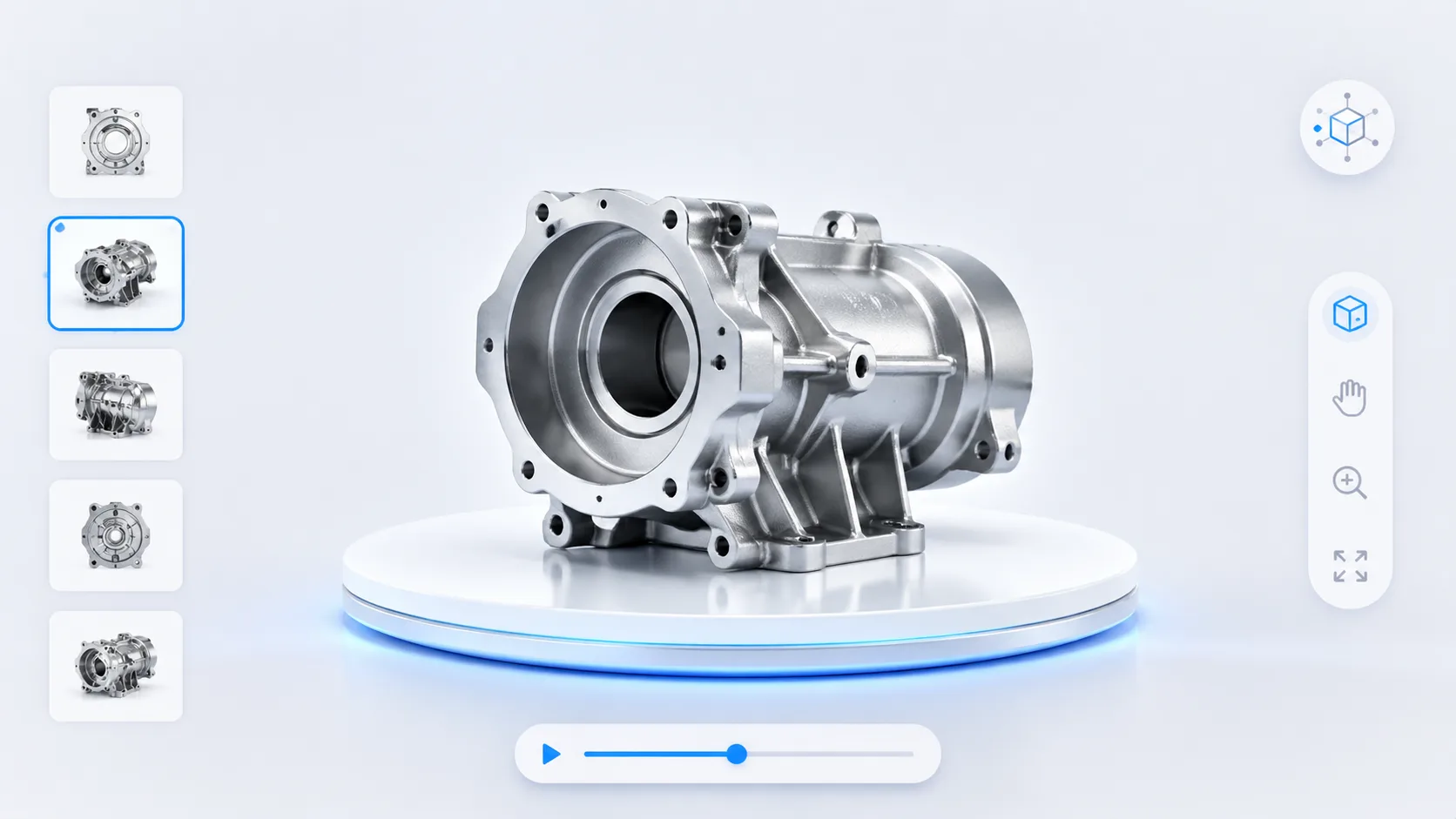
Why embedded product viewing converts better
The viewer works harder when it stays next to product copy, product options, pricing, and the CTA the buyer is already considering.
Keep inspection close to buying action
Let buyers rotate and inspect the product without losing the surrounding information that helps them decide.
Use the viewer inside your existing commerce stack
Place the experience inside product pages, merchandising pages, launch pages, or sales landing pages.
Support stronger product understanding
An embedded viewer makes it easier to combine product detail, explanation, and action in one path.
Where 3D product viewer embed intent should go next
This search intent should route visitors toward the broader product workflow, examples, and buying qualification pages.
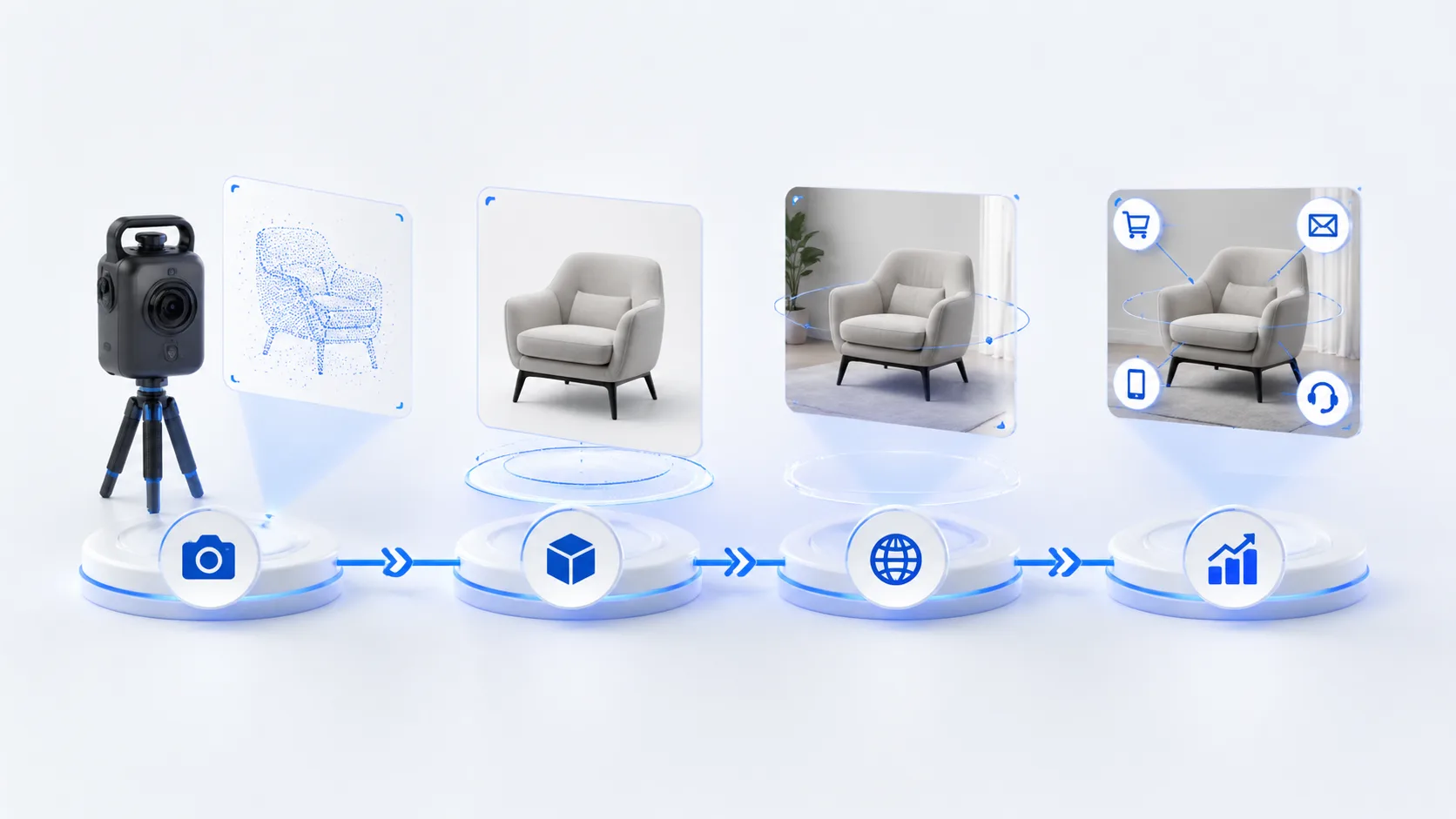
Product Showcase
The strongest next page when the buyer wants the full product-story and merchandising context around the viewer.
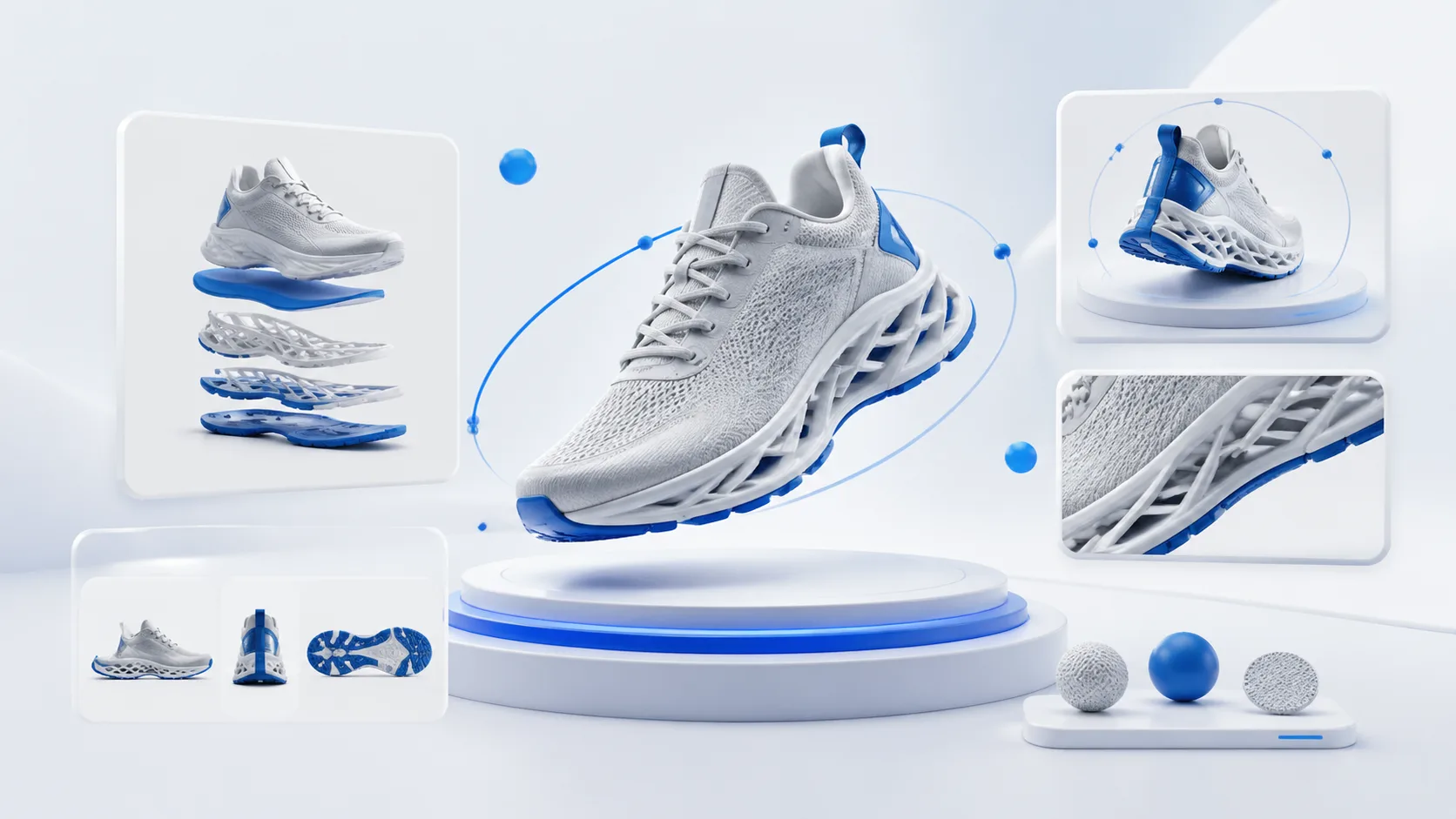
Product Route
A route for teams that need the product-side explanation of how xdreality fits launches, product pages, and demos.
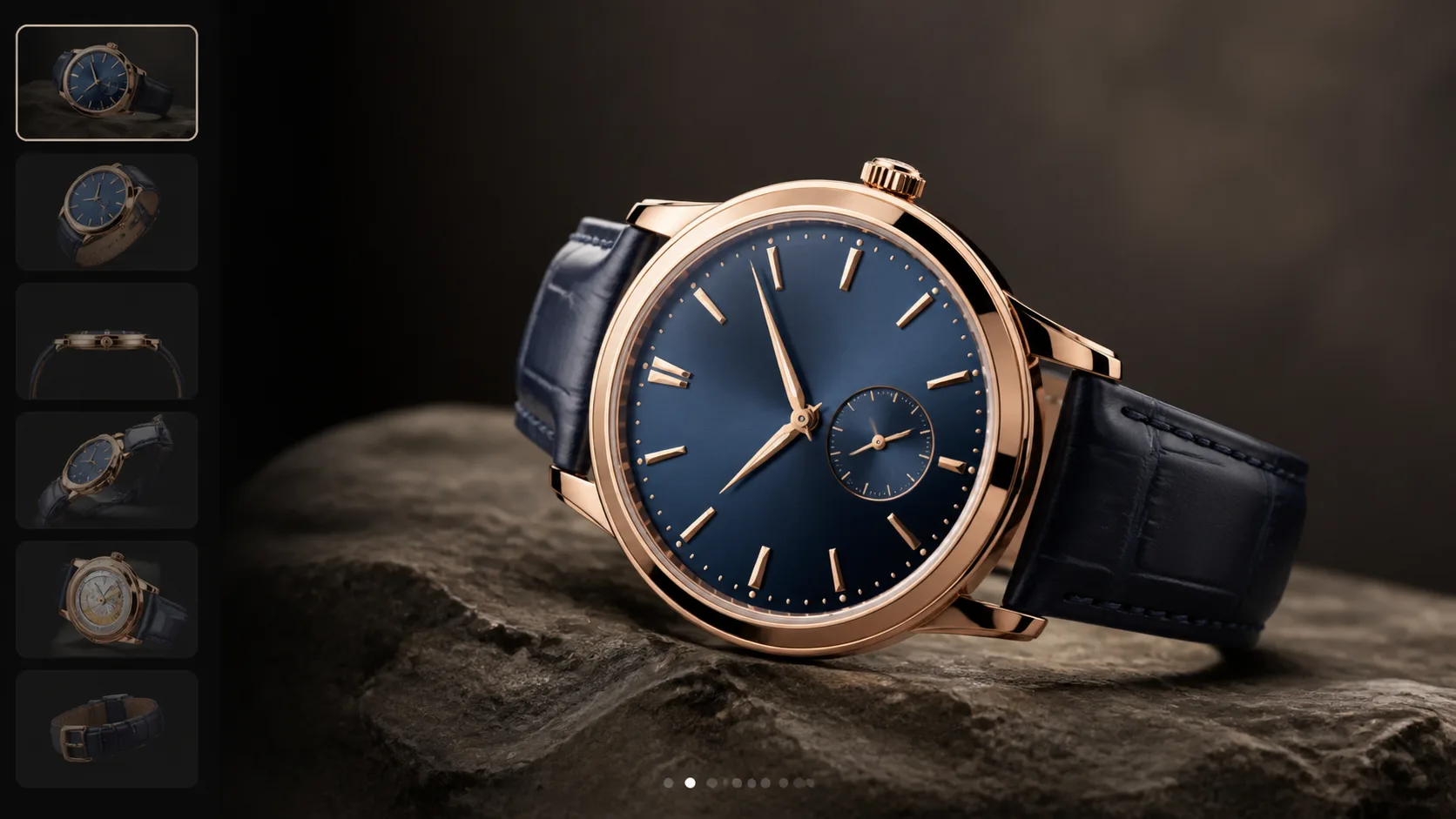
Pricing
Useful when the visitor already understands the embed use case and now needs scope or plan guidance.
Start with an embed-ready product path
Use this page to capture viewer-embed intent, then move visitors into a product showcase workflow, pricing path, or demo conversation.