
Virtual showroom software for digital furniture showrooms and guided sales
Use xdreality to build a guided virtual showroom that connects products, collections, room context, dealer demos, and sales follow-up in one buyer-facing page.
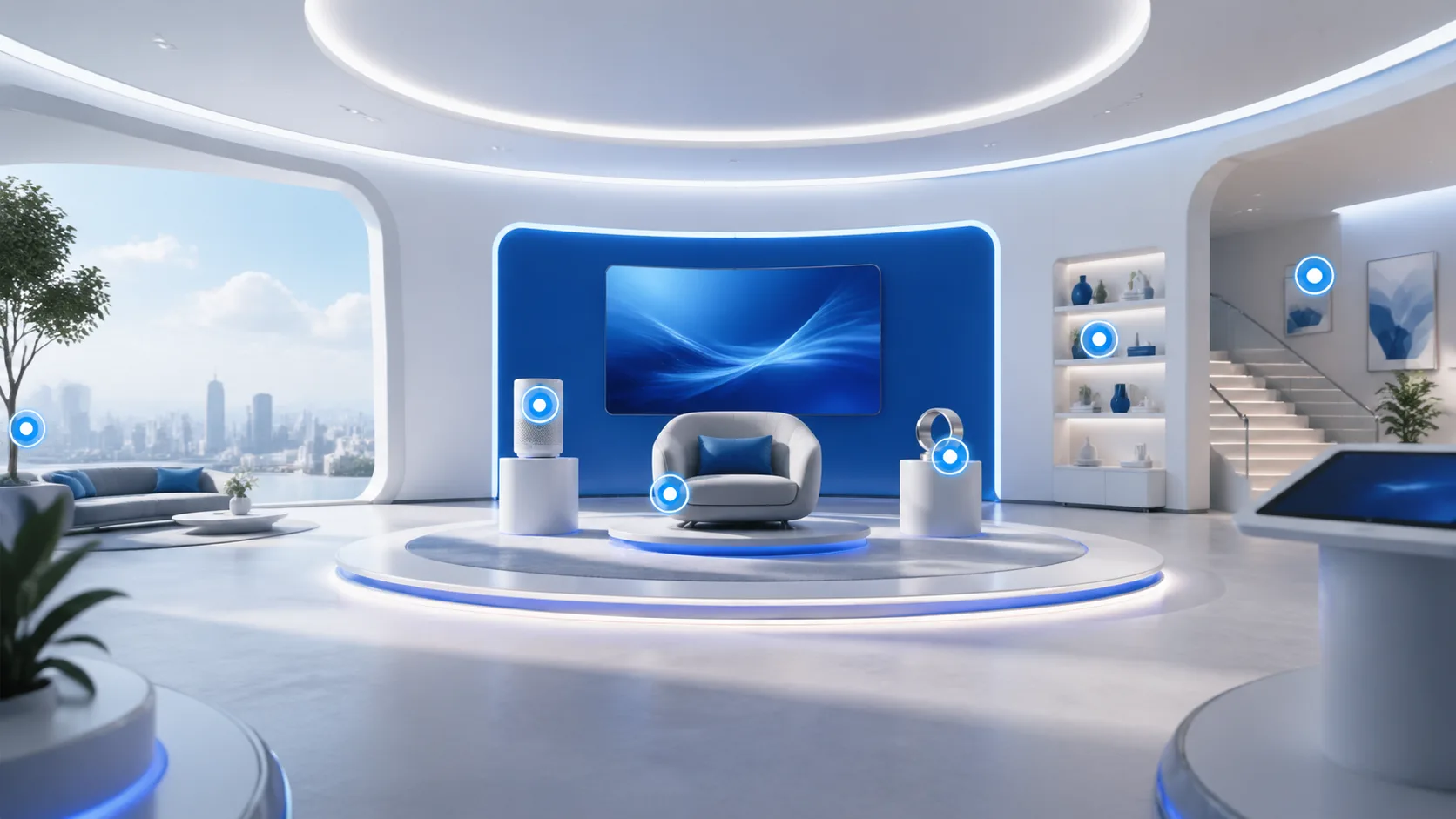
What buyers expect from virtual showroom software
A virtual showroom should explain the guided showroom model, show products in context, and keep the next commercial action close to the viewing experience.
Space plus product context
Show how products live inside a larger environment instead of isolating them from use context.
Guided sales narrative
Use focus points, prompts, and sequence to shape what visitors understand first.
Demo-ready conversion path
Point users toward booking, contact, sales follow-up, or a product action.
Virtual showroom FAQ
Short answers for buyers understanding the virtual-showroom category before they compare 3D showroom software, embeds, or furniture-brand rollout pages.
Where virtual-showroom category traffic should go next
Use this page as the category pillar, then move visitors into 3D showroom software evaluation, vertical rollout, embed planning, or a commercial comparison route.
3D Showroom Software
The broader software route for teams comparing 3D showroom software, guided virtual showroom rollout, embeds, and sales demo workflows.
Furniture Showroom Software
A direct commercial route for teams evaluating digital furniture showroom software and rollout planning.

Virtual Showroom Embed
A route for teams that want the showroom experience embedded into an existing branded or campaign page.

Virtual Showroom Embed for Brand Websites
A narrower route for brand teams that need the virtual showroom on their own domain and inside an existing site journey.
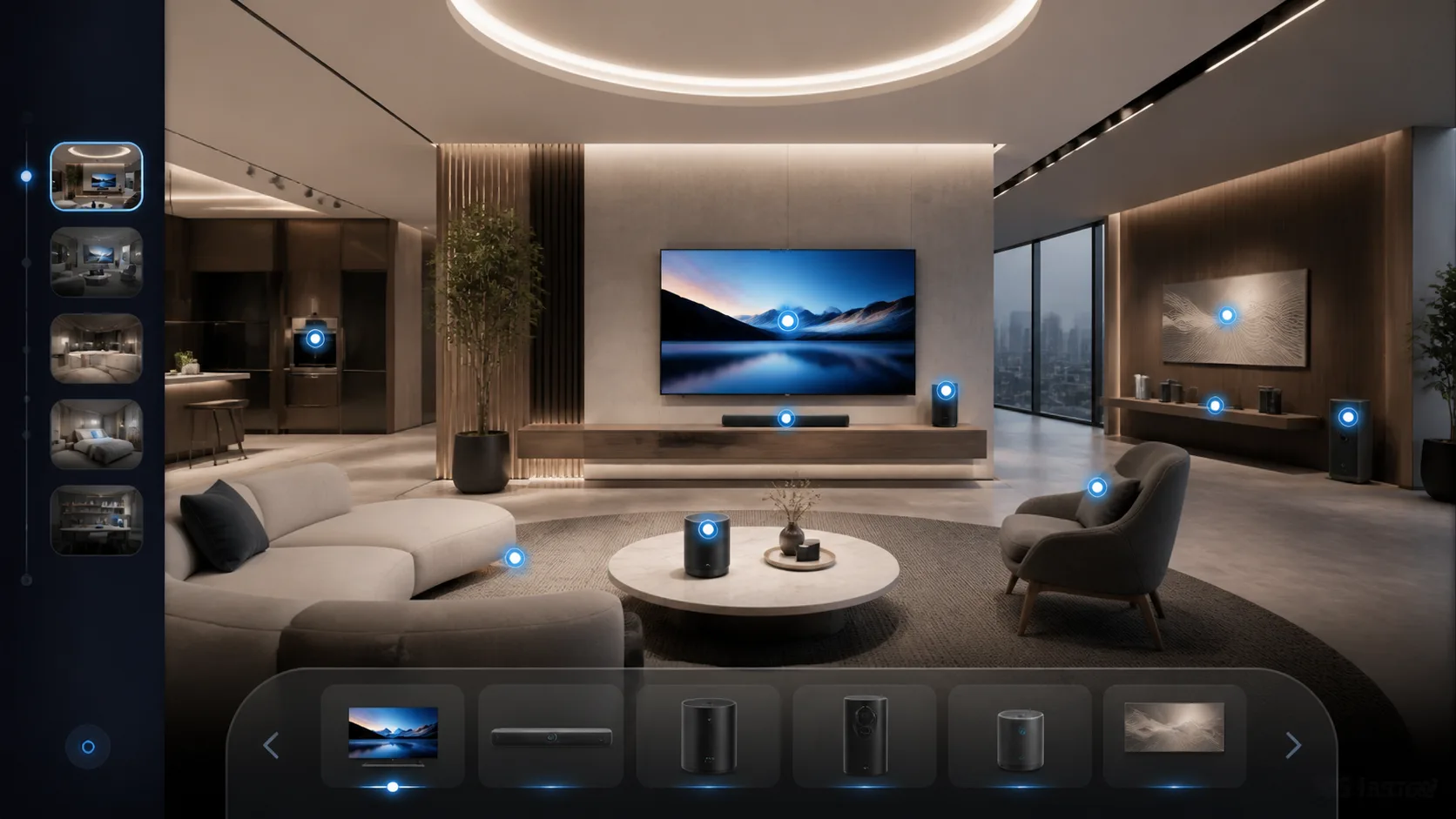
Wholesale Showroom vs PDF Catalog
A route for wholesale brands comparing whether a guided showroom or a static catalog better supports follow-up and sales motion.
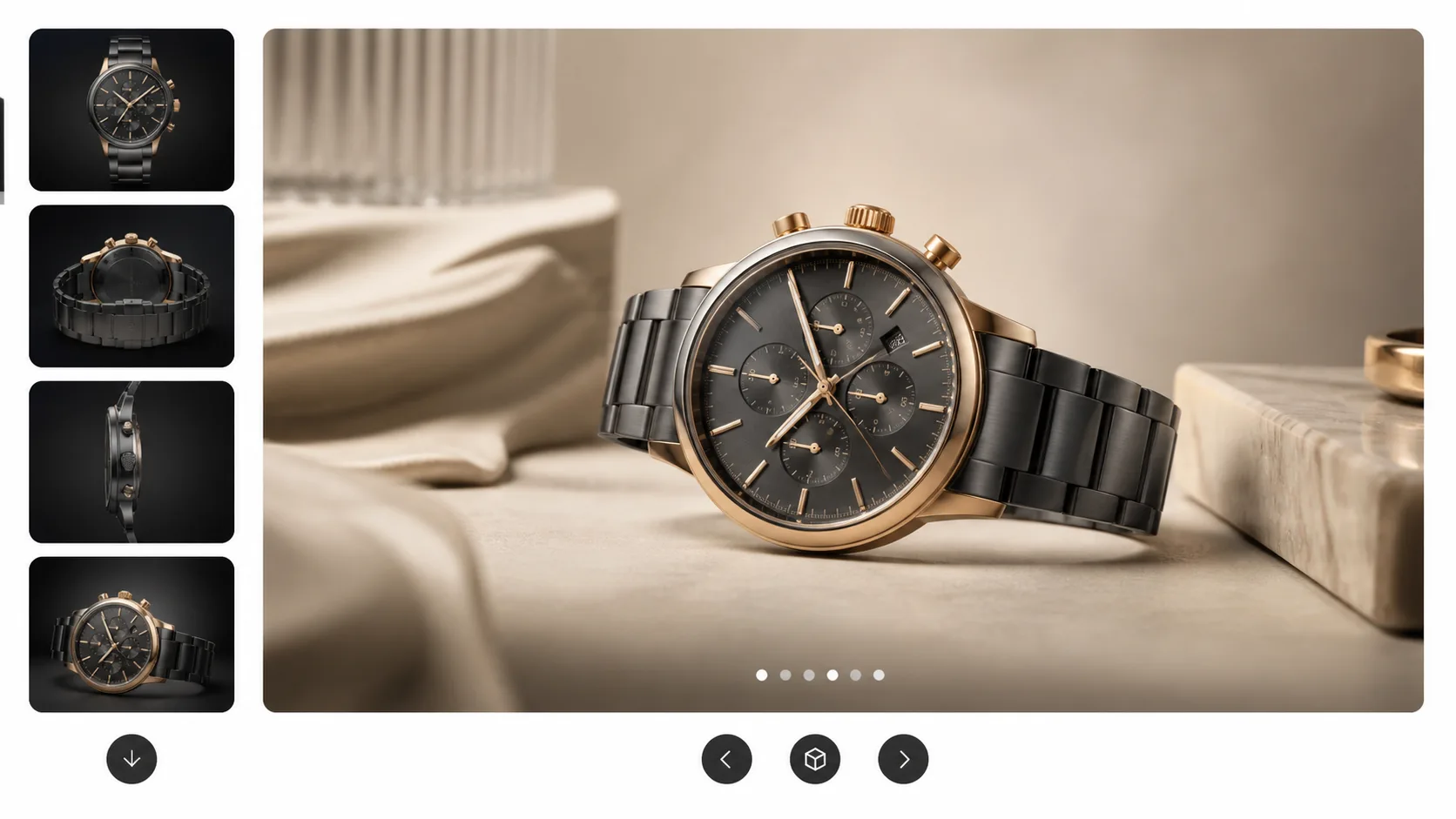
Trade Show Follow-Up Showroom
A route for teams that need a guided showroom to extend event conversations after the trade show ends.
Virtual showroom category cluster
Use Virtual Showroom as the category pillar. These support pages clarify when to move into 3D showroom software evaluation, furniture-brand rollout, embeds, post-event follow-up, and showroom-vs-catalog comparison intent.
3D Showroom Software
Broad software entry for teams comparing 3D showroom software, 3D virtual showroom rollout, embeds, and sales demo workflows.
Furniture Showroom Software
Commercial support page for furniture brands that need a digital furniture showroom software rollout path.
Virtual Showroom Embed
Implementation page for teams that need the showroom experience inside existing brand or campaign pages.
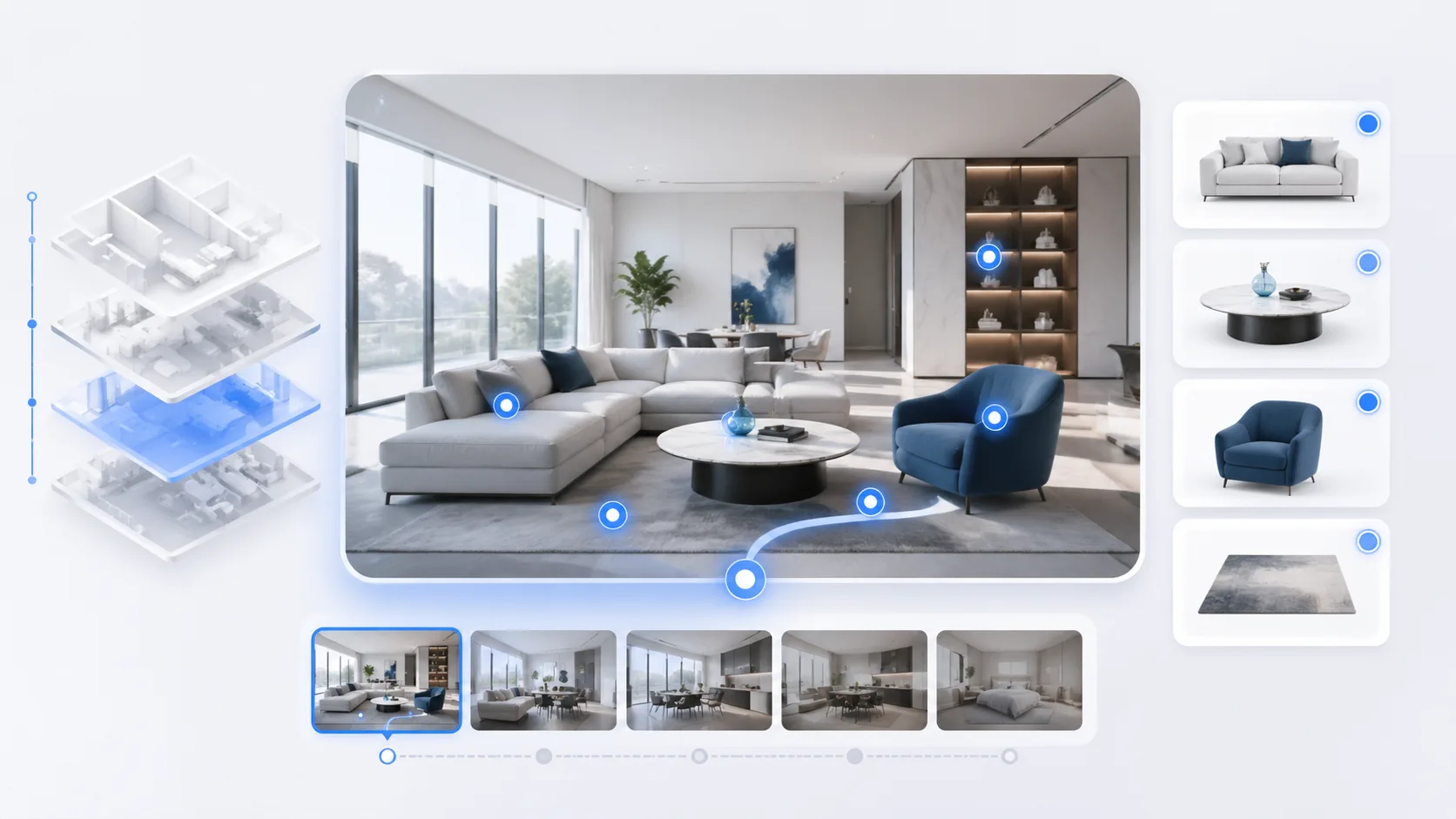
Digital Furniture Showroom Guide
Educational support guide for furniture brands planning collection storytelling, room context, and dealer-ready next steps.
Virtual Showroom Embed for Brand Websites
Support page for brand-site teams that need showroom experiences on their own domain.

Digital Showroom Software for Trade Show Follow-Up
Support page for event and field teams turning booth traffic into a persistent guided showroom.
Virtual Showroom vs PDF Catalog
Comparison page for wholesale brands deciding whether a static catalog is enough for sales follow-up.
Ready to turn virtual-showroom research into a qualified demo?
Start with the category page, then move rollout buyers into 3D showroom software, furniture-brand rollout, or showroom embed planning.