
Real estate teams need room tours that help visitors qualify the listing before the visit
Use xdreality when listing pages need more than flat galleries. Build a guided room-tour path that explains layout, room flow, and the next step into inquiry, scheduling, or shortlist decisions.

What listing-ready room tour software should help you do
The page should not just show the property. It should help buyers and renters decide whether the listing deserves the next action.
Clarify layout and flow
Help visitors understand how rooms connect and how the space feels beyond isolated still images.
Reduce low-intent visits
Use guided room tours to improve remote qualification before agents or leasing teams spend time on a live showing.
Support stronger inquiry behavior
Move visitors toward inquiry, visit scheduling, or contact actions instead of passive browsing only.
Where real-estate room-tour intent should route next
This page should connect property demand to the main room-tour workflow, site-embed path, and broader space routes.
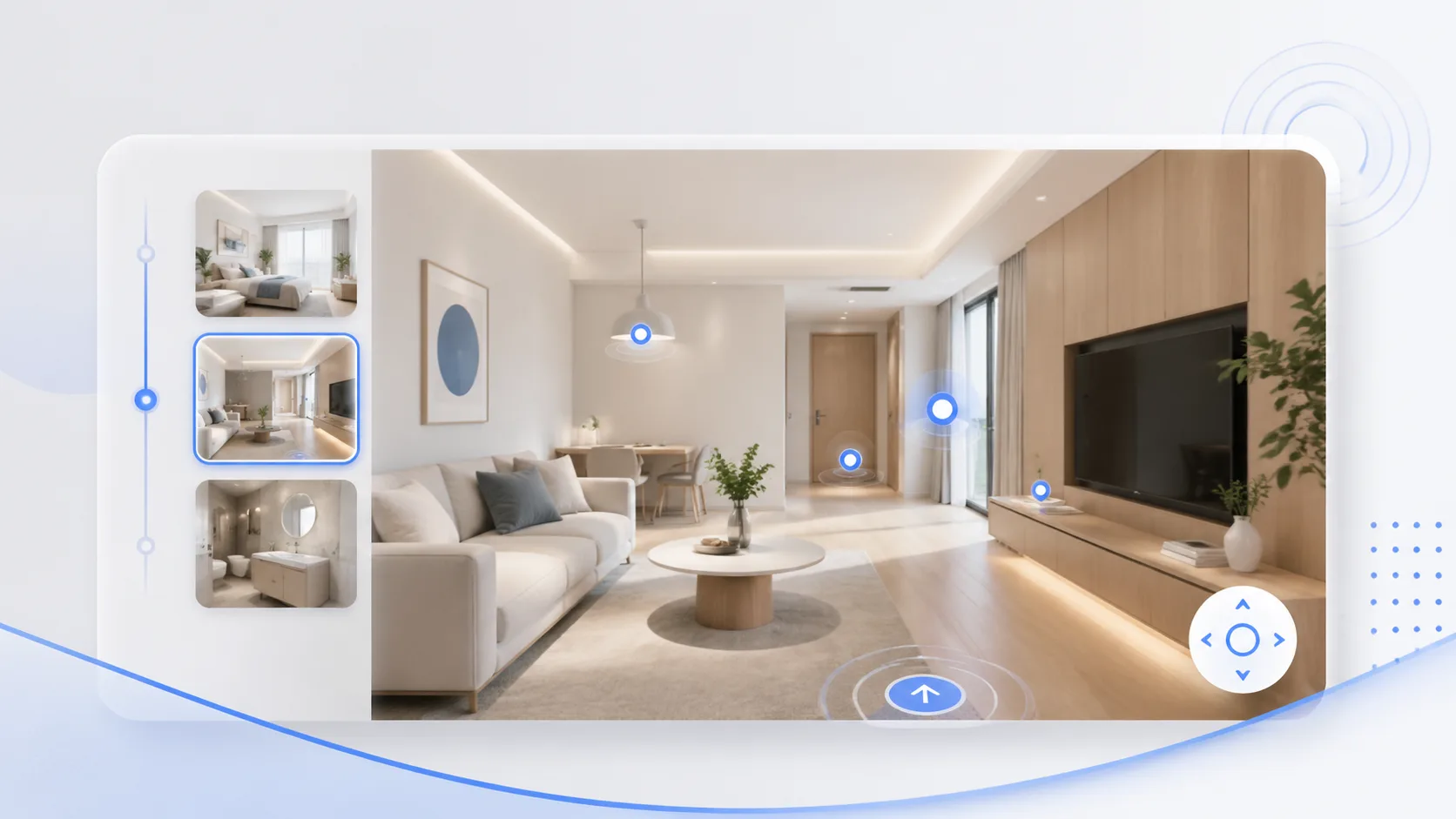
Room Tour
The clearest next page when the need is a guided walkthrough that supports listing and showing intent.
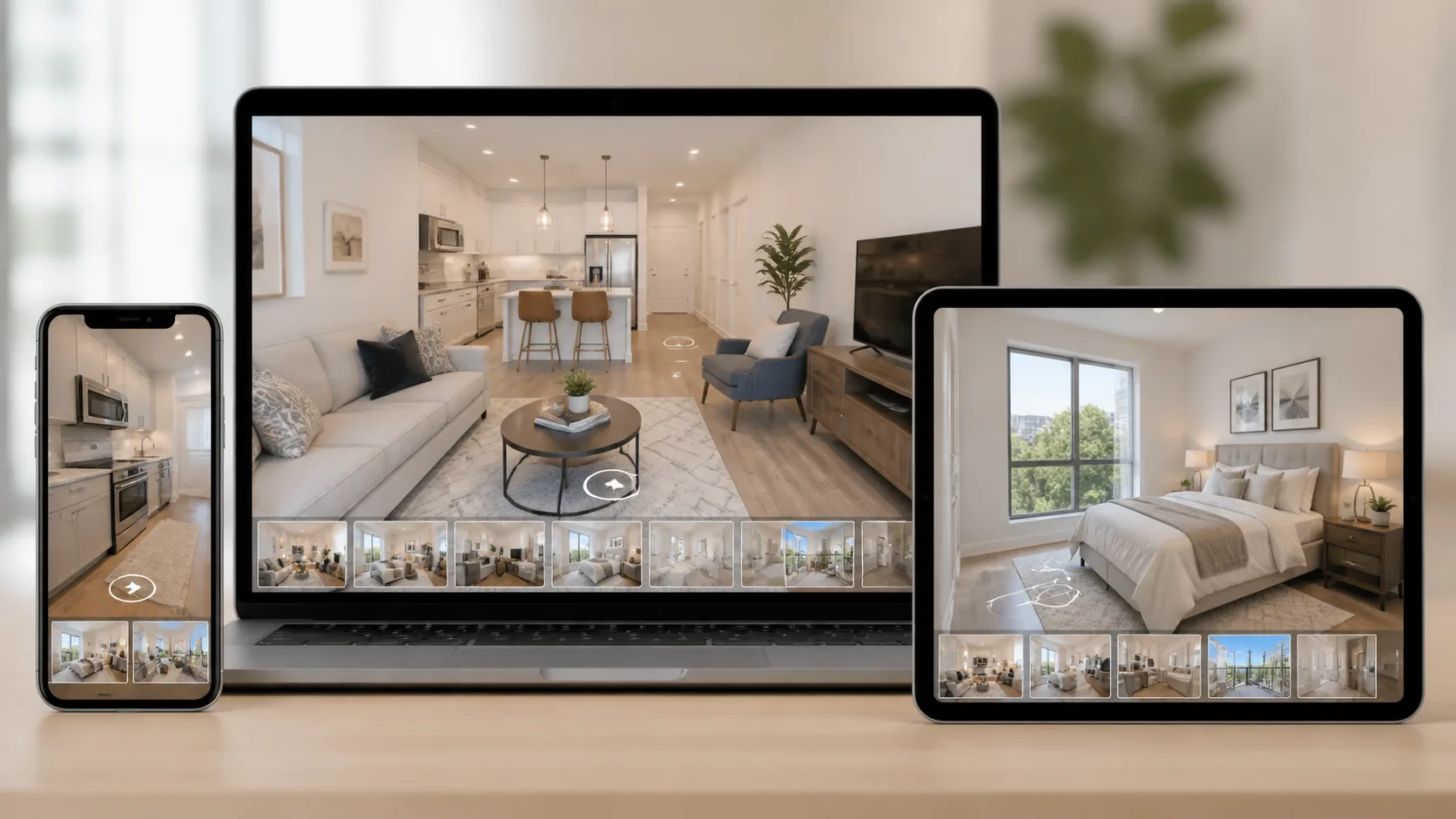
Property Website Embed
Useful when the team wants the room-tour experience embedded directly into the listing site they already control.
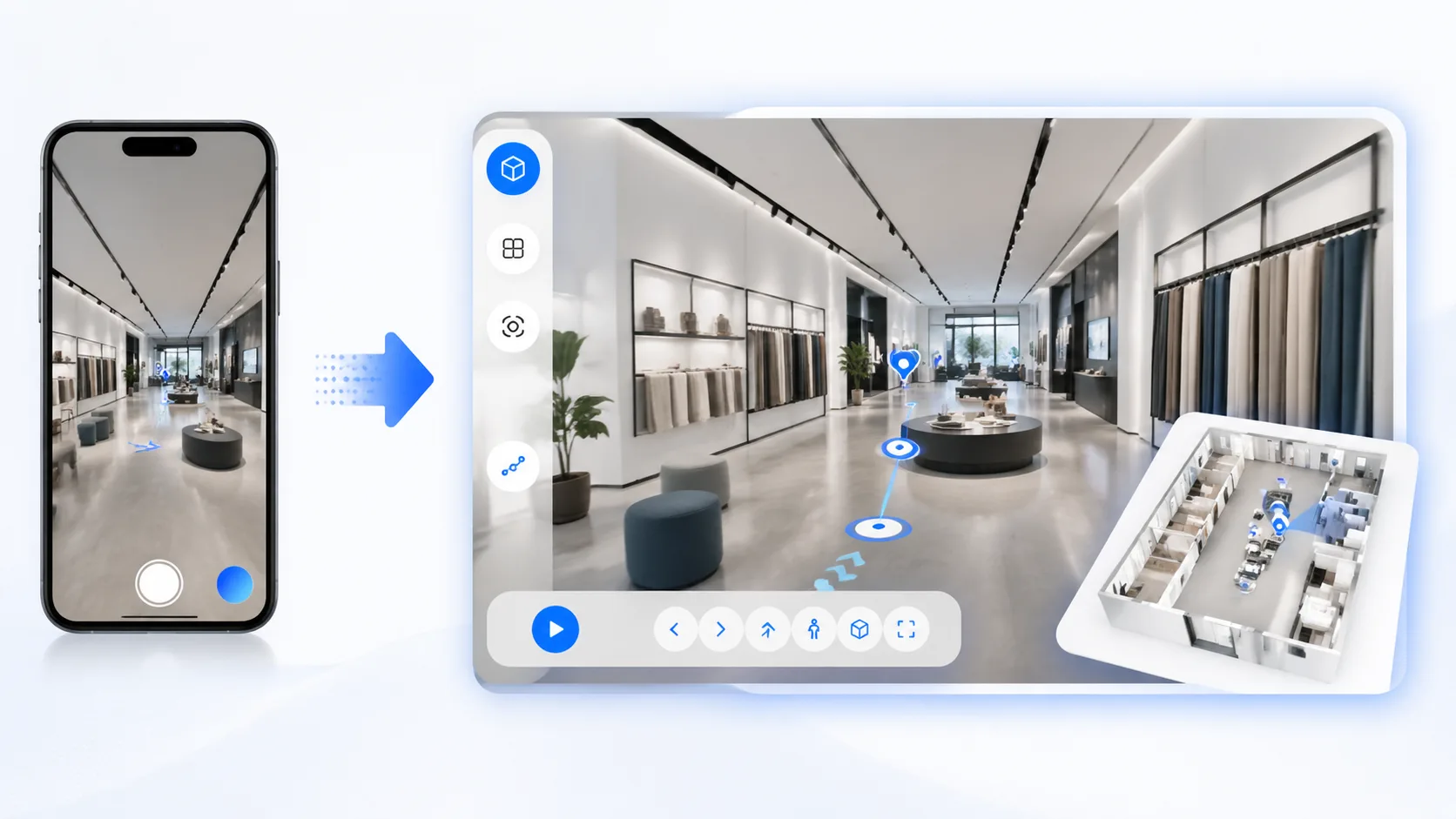
Book a Demo
Useful when the team already knows the listing use case and wants help mapping rollout, CTA placement, and workflow.
Use guided room tours to improve listing qualification
Capture real-estate room-tour intent here, then move visitors into a room-tour workflow or a faster sales conversation.