
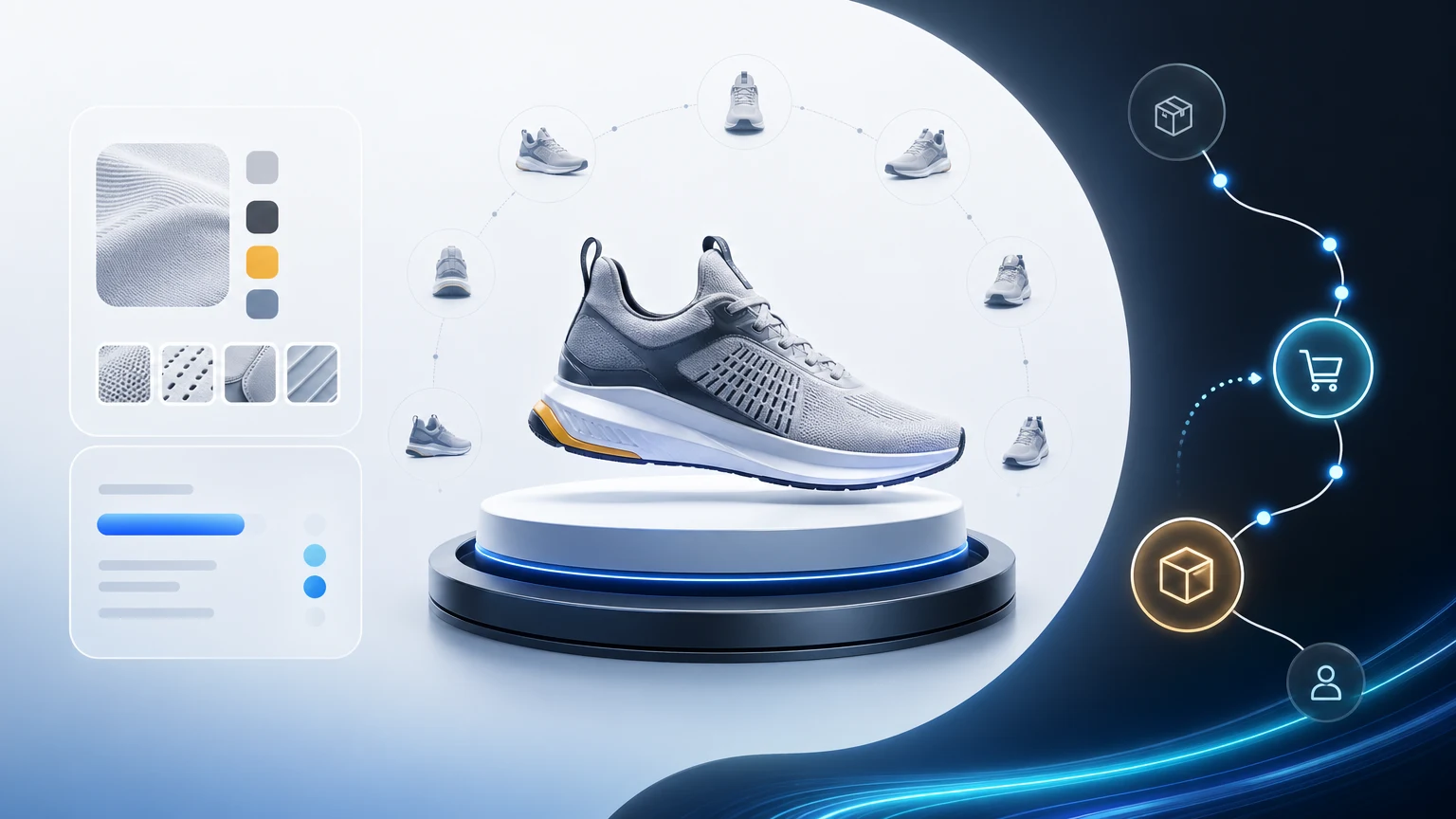
An interactive product showcase turns a furniture PDP into a guided product page that answers room-fit, material, and configuration questions before the shopper stalls. If your team is comparing interactive product showcase software, virtual product showcase flows, or a broader virtual product showcase platform, the real job is usually the same: give buyers clearer product context and a cleaner path to the next action without sending them away from the PDP.
This article is about that exact furniture ecommerce problem. Not a broad brand showroom, but the PDP itself. xdreality turns that page into an interactive product showcase with guided steps, room context, and conversion prompts designed to reduce hesitation where the buying decision actually happens.
If you need the commercial route before reading the full playbook, start with Interactive Product Showcase. If the product story has already expanded from one PDP into a multi-product or dealer-facing rollout, move to Furniture Showroom Software. If the product needs a full-room sales environment, compare it with Virtual Showroom for Furniture Brands.
Interactive product showcase: the quick definition for furniture teams
An interactive product showcase is a guided product page experience where shoppers can inspect the item, understand room fit, compare materials, and move toward a next action without leaving the PDP. For furniture ecommerce, that means the showcase must explain scale, placement, finish, configuration, and delivery confidence in one sequence.
xdreality keeps the format conversion-ready: product photos or existing assets become a guided 3D product path, and each step can point to swatch requests, add-to-cart actions, consultations, or a saved configuration. That makes the interactive showcase more useful than a passive 360 spin or static product gallery.
When the query is really "virtual product showcase" or "virtual product showcase platform"
Searchers often use "virtual product showcase" when they want a richer product-page journey but have not yet decided whether the answer is a PDP-level route, a launch-page format, or a broader showroom rollout. For furniture teams, the practical split is simple:
- If one PDP or one product family needs to convert better, the answer is usually Interactive Product Showcase.
- If the same story now spans collections, dealer education, or multi-product sales flow, the next route is Furniture Showroom Software.
If you are evaluating interactive product showcase software
By this point, most teams are no longer asking for inspiration. They are comparing whether interactive product showcase software can ship quickly, fit the existing PDP, and keep the next action visible.
Check these four buying questions:
- Can we show room context, finishes, and configuration without sending shoppers away from the PDP?
- Can merchandisers update the route without rebuilding the product page every launch?
- Can the experience hand off cleanly into add-to-cart, swatch request, or consultation CTA paths?
- Can the same guided structure expand into a broader virtual product showcase or showroom rollout later?
If you want the commercial route instead of the full guide, go straight to Interactive Product Showcase. If the scope is already moving beyond one PDP, continue to Furniture Showroom Software or Virtual Showroom for Furniture Brands.
If you need the commercial route before the full playbook
If the team already agrees on the problem and just needs the rollout path, use these next steps:
- Interactive Product Showcase: the direct commercial page for guided product-page rollout.
- 3D Product Viewer for Ecommerce Conversion: the tighter route when the KPI is PDP conversion and buying confidence.
- Furniture Showroom Software: the better next step when the story is expanding beyond one PDP into a broader collection or dealer flow.
Why furniture PDPs lose momentum before the buyer reaches checkout
Furniture is bought for rooms, not screens. Traditional product detail pages often miss:
- Scale clarity: A 90-inch sofa looks great in a lifestyle image, but will it overwhelm a 12-foot wall?
- Placement guidance: How does the piece relate to nearby seating, walkways, and windows?
- Material certainty: Textures, finishes, and seam details read differently in daylight, evening light, and up close.
Even basic 3D viewers or 360 spins leave shoppers to “figure it out.” The result is hesitation and handoffs to store associates. An interactive product showcase gives structure—showing the right context at the right moment—so buyers can progress confidently on their own.
What a guided product structure changes on a furniture product page
A guided approach organizes the 3D experience into steps that mirror how people evaluate home products. Instead of handing shoppers a free-roam camera, xdreality defines a clear path:
- Scene-by-scene context: Living room view, close-up finishes, clearance and pathway view, configuration view.
- Narrative controls: Next, back, and jump-to steps that align with buying questions.
- Conversion prompts: Add to cart, compare finishes, request a swatch, and consult—always available at decisive moments.
The result is a guided product viewer that feels like a knowledgeable associate walking a buyer through a showroom—only on your product page and on every device.
If this is already the exact page type you want to launch, go directly to Interactive Product Showcase. If the same buying story now needs room-level collection context, step up into Virtual Showroom for Furniture Brands.
Build a conversion-oriented furniture 3D product page with xdreality
With xdreality, a furniture 3D product page becomes a curated tour. Here’s a typical route you can compose for a sofa PDP:
- Room-scale fit
- Start in a room-scene with the sofa at standard camera height and distance.
- Use subtle reference cues like a rug, coffee table, and wall length markers to establish scale.
- Provide quick toggles for standard room sizes so shoppers see fit in a familiar context.
- Configuration and modules
- Switch to a layout view that highlights sectionals, chaise options, and add-ons.
- Hotspots guide the eye to key changes (left/right chaise, ottoman, sleeper module).
- Selections persist as shoppers continue, so their configured product stays consistent.
- Finishes and materials
- Move into a material-focused angle with accurate lighting and close-up detail.
- Let shoppers explore fabric families, leather grades, and leg finishes.
- Present fabric care notes or swatch options alongside the selector—no scrolling away.
- Comfort and clearances
- Show seating depth, back height, and arm profiles from an angle that reads scale.
- Add clearance cues for walkways and doorways so buyers understand space planning.
- Use callouts to explain comfort distinctions (plush vs. structured cushions) with visuals.
- Delivery-ready confidence
- Provide a step dedicated to dimensions and pathways—hallways, stair turns, or elevator fit.
- Simplify with visual references and a shareable dimensions summary for household decision makers.
At each step, conversion prompts are available without breaking the flow:
- Add to cart or save configuration
- Request a swatch or see fabric care
- Compare sizes or switch configurations
- Ask an expert if questions stall progress
The entire route is linkable, so marketing can deep-link to a specific step (for example, straight to finishes in a fabric-focused campaign). It’s a showroom narrative, embedded directly in your PDP.
Why this format performs better than a generic spin viewer
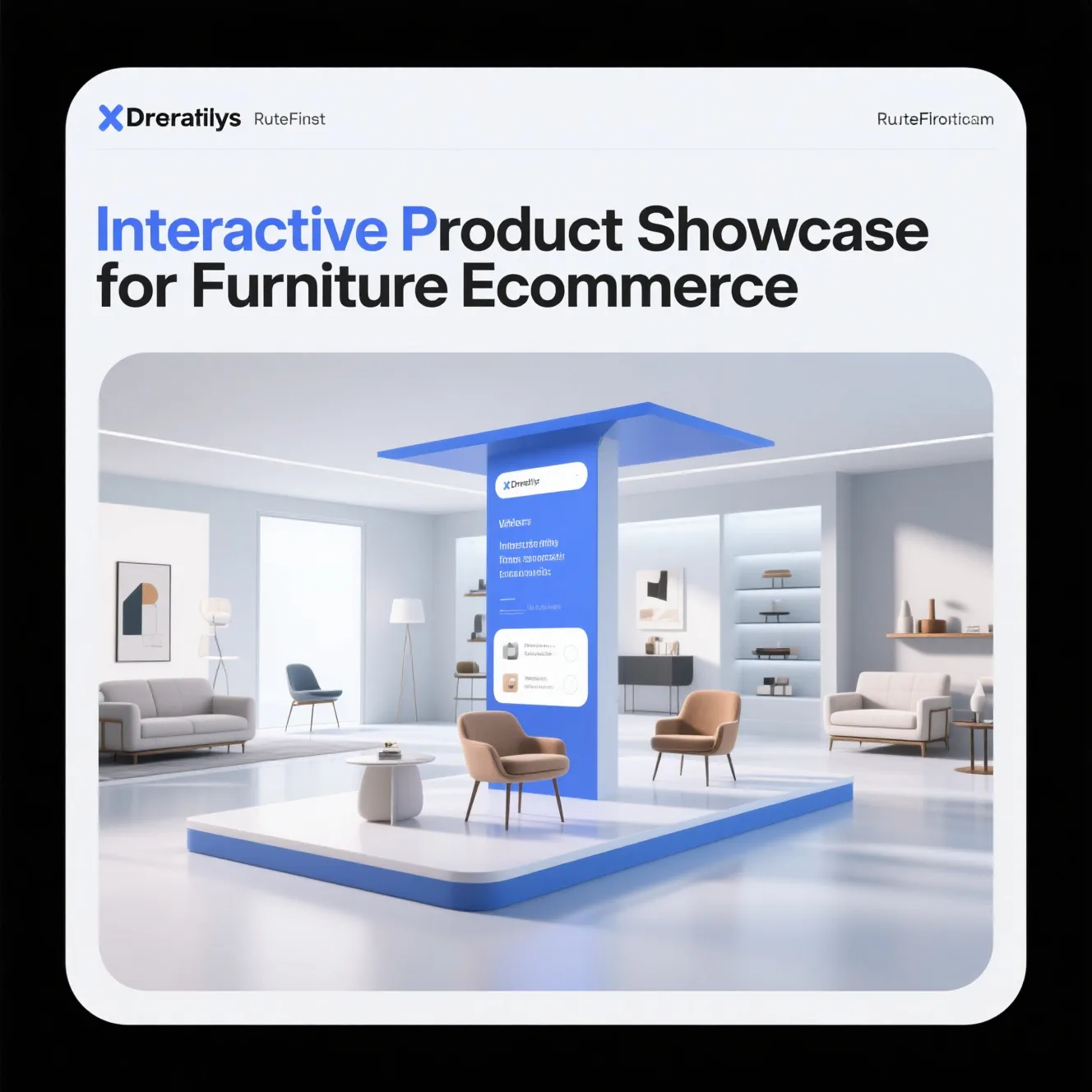
An interactive product showcase shouldn’t just look good—it should move shoppers forward. xdreality adds conversion scaffolding throughout the route:
- Purpose-built step actions: Each step pairs a contextual view with the action that most often follows (choose a size, pick a fabric, save a configuration).
- Persistent CTAs: Key actions follow the shopper through the experience, available on every view.
- Contextual copy: Short, on-screen explanations clarify materials, care, and configuration logic without forcing a scroll away.
- Smart defaults: Start with your best-selling configuration and route order, so most shoppers see the highest-conversion path first.
- Shareable states: Shoppers can copy a link that preserves their configuration and current step, simplifying household decisions.
Where traditional viewers ask the shopper to discover everything themselves, xdreality structures discovery and decision-making—a proven pattern for home product conversion.
Designed for furniture teams and modern stacks
Furniture ecommerce teams need tools that fit existing workflows. xdreality meets you where you are:
- Embeds on your PDP: Drop the guided viewer into your product template with a snippet and configure its route in the platform.
- Works with your product data: Use your existing options (size, fabric, legs) to drive route logic and dynamic visuals.
- Standards-based assets: Bring your web-ready 3D models and materials; the platform optimizes for fast, consistent delivery.
- Flexible theming: Match your brand UI for buttons, typography, and color so the viewer feels native.
- Analytics events: Understand which steps retain attention and where shoppers act, then iterate your route accordingly.
You control the narrative, steps, and prompts—without rebuilding your PDP or retraining teams around a new stack.
What success looks like on a furniture PDP
Teams use xdreality to move from static pages to guided, showroom-style experiences that:
- Reduce uncertainty about scale, placement, and materials by showing context, not just options.
- Encourage confident configuration with a clear sequence and saveable states.
- Surface decisive actions at the right time, from add-to-cart to swatch requests.
- Create a linkable experience that marketing and merchandising can point to in campaigns.
Success is measured in forward motion: more shoppers reaching finish selection after seeing scale, more add-to-cart taps after configuration, and fewer questions that stall decision-making.
Related next reads for stronger product-page intent
If this article matches the exact problem you are solving, the next most useful pages usually sit one step upstream or downstream of the PDP:
- Interactive Product Showcase: the commercial route page for teams evaluating interactive product-page workflows.
- 3D Product Viewer for Ecommerce Conversion: a tighter conversion-focused page if the question is specifically about reducing shopper hesitation.
- Virtual Showroom for Furniture Brands: the right next read if your story needs to expand from a single PDP to a broader brand or collection environment.
- Furniture Showroom Software: the route when PDP work expands into a collection-level or dealer-facing rollout.
Why xdreality for interactive product showcases
xdreality is purpose-built for guided interactive experiences:
- Guided architecture: Organize your 3D content into a narrative that mirrors how customers buy home goods.
- Context-first visuals: Scene presets and scale cues make big products legible on small screens.
- Guided product viewer: Structure exploration step-by-step with controls shoppers actually use.
- Conversion prompts: Keep action front-and-center so evaluation naturally becomes purchase.
- Virtual showroom reach: Reuse the same routes for category hubs, product comparisons, or brand lookbooks.
It’s the fastest path from a standard furniture 3D product page to a true interactive product showcase that supports home product conversion.
If you need the product-page route behind this article, see Interactive Product Showcase and 3D Product Viewer for Ecommerce Conversion. If your merchandising story needs full-room context rather than a single PDP, continue to Virtual Showroom for Furniture Brands. If the rollout is already broader than one product page, move into Furniture Showroom Software.
FAQ: interactive and virtual product showcase for furniture PDPs
What is the difference between an interactive product showcase and a virtual product showcase?
On a furniture PDP, they usually describe the same goal: structured, guided product exploration that keeps room context and conversion actions in one flow. "Virtual product showcase" is often the broader search phrase; "interactive product showcase" is the implementation pattern.
What if the query is "virtual product showcase platform" rather than "interactive product showcase"?
The buyer is usually asking for the same commercial outcome: richer product-page storytelling with a cleaner next step. Start with Interactive Product Showcase for PDP and launch-page work, then expand into Furniture Showroom Software if the requirement turns into a broader collection or sales-enablement rollout.
When should we use this instead of a standard 360 viewer?
Use it when buying confidence depends on room fit, finish comparison, and guided decision steps. If a product needs context, modules, and staged prompts, a simple spin viewer is usually not enough.
How do we connect this to commercial rollout?
Start with Interactive Product Showcase for the product-page route, then move to Digital Furniture Showroom Software when your team needs a broader deployment path across collections and sales workflows.
See a showroom-style product page in action
Give shoppers the context they need—without sending them elsewhere. xdreality turns your furniture PDP into a guided product showcase with room-scale views, finish clarity, and decisive prompts.
Explore Interactive Product Showcase to see the commercial route behind this article, or request a digital furniture showroom rollout plan if your next step is broader than a single PDP.