
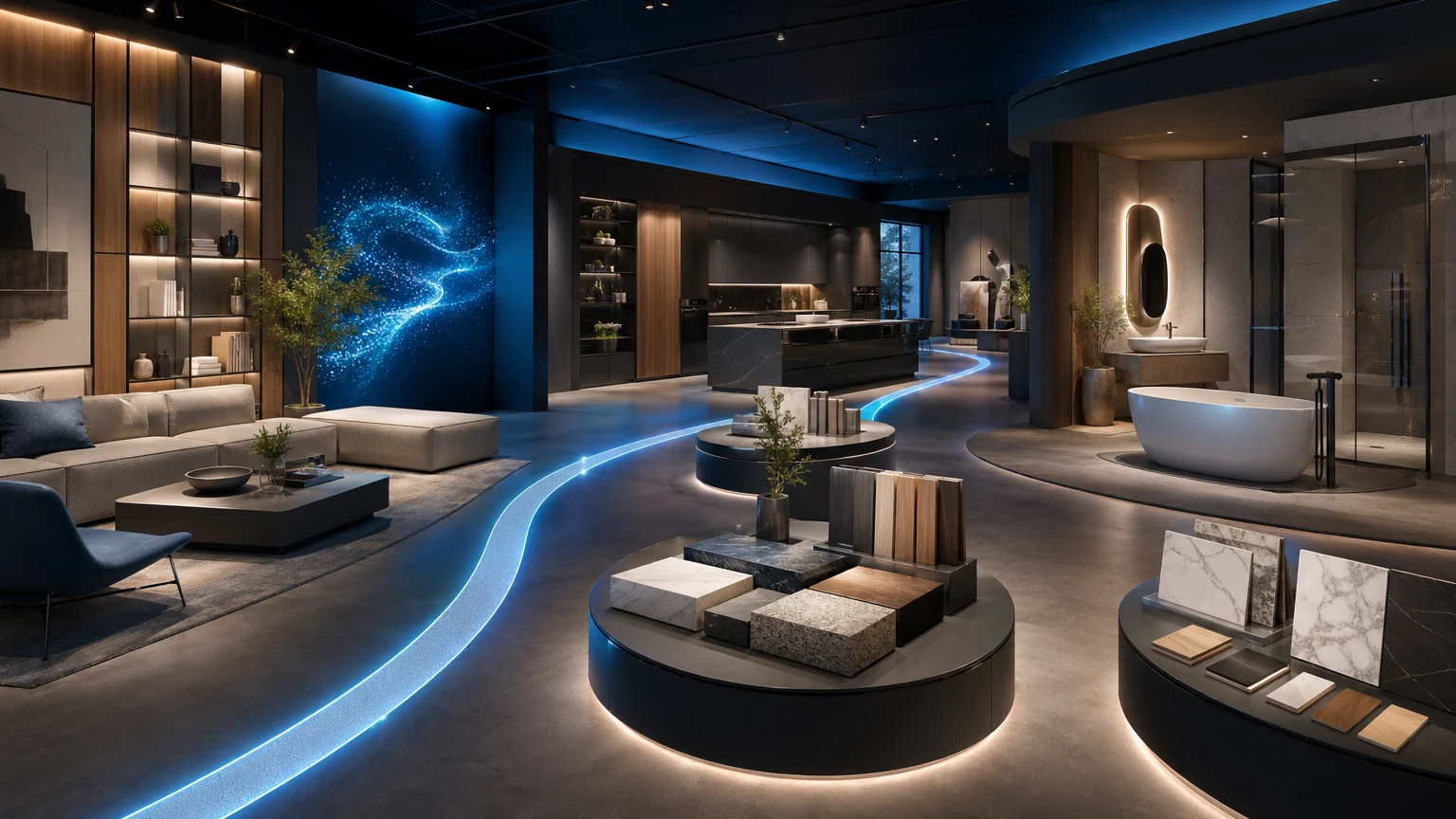
PDFs are easy to send. But when a buyer opens your catalog, you’re not in the room. Pages compete for attention, context is thin, and the path from interest to conversation can be vague.
If you’re choosing between a virtual showroom vs PDF catalog for wholesale, the decision isn’t just about format. It’s about how you guide attention, tell your collection’s story, and create a clear next step for the line review. This is where a guided 3D showroom from xdreality gives channel teams a sharper tool.
Why this comparison matters now
Wholesale buying has shifted to hybrid: some accounts meet in person; others expect a crisp remote walkthrough; many bounce between both. PDFs remain the default because they’re familiar and quick to circulate. But familiarity isn’t the same as effectiveness.
When the goal is wholesale product presentation that earns a follow-up conversation, a virtual showroom is a digital catalog alternative designed to:
- Lead buyers along a clear path through rooms, stories, or categories
- Blend visuals with context so newness, hero SKUs, and key programs stand out
- Invite action: request info, book time with a rep, or jump to a buy list
xdreality is built for room tours, virtual showrooms, 3D product pages, and guided interactive experiences. It lets your team move beyond static pages to an interactive collection page that mirrors how great showrooms sell: narrate, demonstrate, and then let buyers explore.
Virtual showroom vs PDF catalog: how buyers actually engage
In a PDF:
- Buyers skim, scroll, and search. Unless your hero story sits on page one, it’s easy to miss.
- Context is an email body, a few captions, or a price sheet. Narrative flow depends on the reader.
- Actions are indirect—download, forward, or reply to start a conversation.
In a guided virtual showroom:
- Buyers follow a guided path through scenes or categories, seeing the right highlights in sequence.
- Context sits alongside the product: style notes, programs, materials, and bundles are revealed as needed.
- Actions are built-in: book a walkthrough, request a sample, or move to your B2B portal from a clear CTA.
The result isn’t just a prettier presentation. It’s a structured experience that helps your team shape attention and invite the next step without making the buyer hunt for it.
Key differences that matter for wholesale product presentation
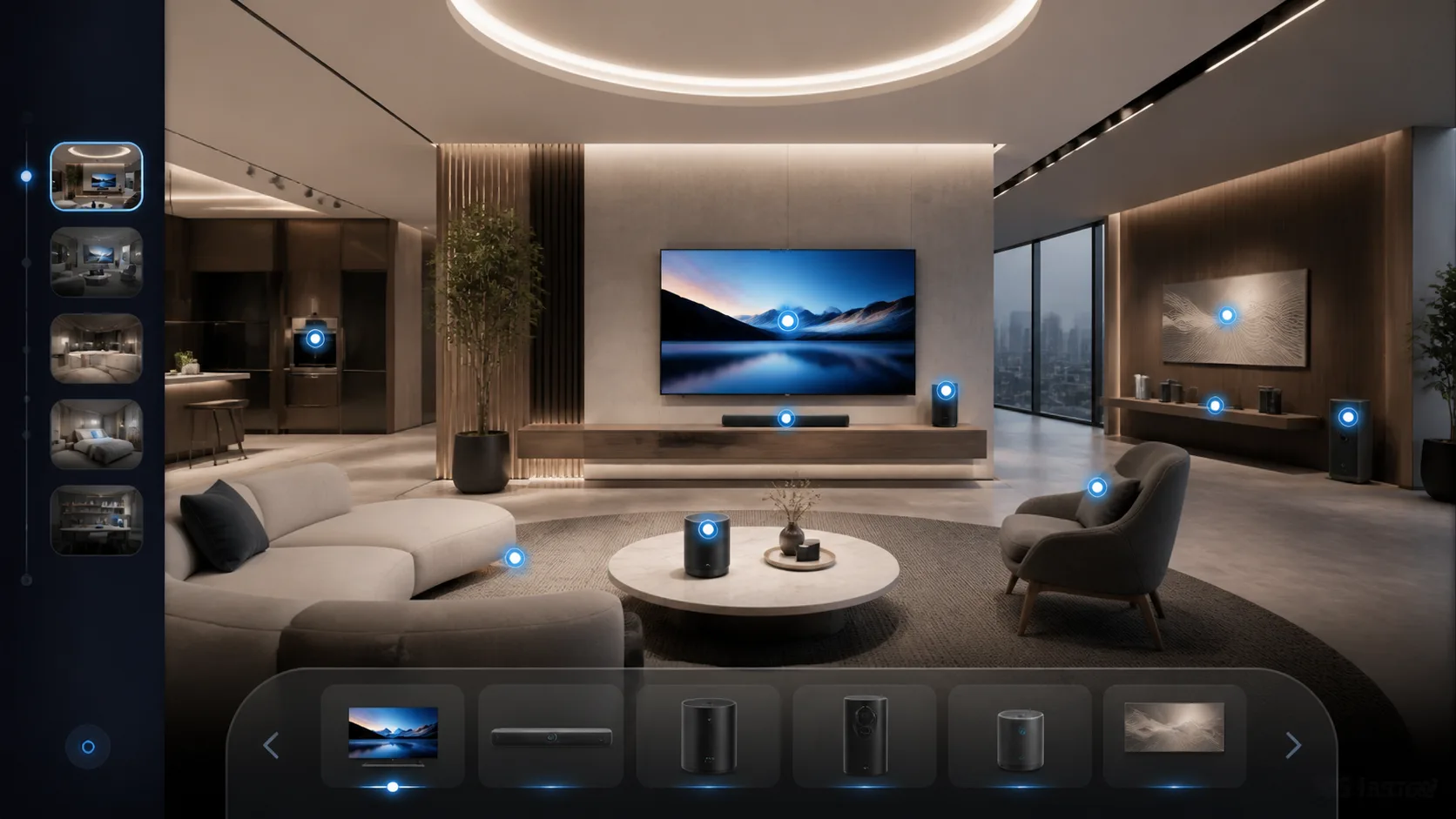
- Guided attention vs passive browsing
- PDF: Linear pages encourage scanning; readers choose their own adventure.
- Virtual showroom: You set the route—newness first, then core programs, then seasonal stories—so the right pieces get seen in the right order.
- Context on demand vs thin captions
- PDF: Limited real estate for storytelling, mixing core info with pricing and spec data.
- Virtual showroom: Hotspots, chapters, and 3D product pages show detail when buyers want it: videos, fit views, colorways, and feature callouts.
- Discovery and depth vs dead ends
- PDF: You can link to pages or external sites, but every jump breaks flow.
- Virtual showroom: Buyers can pause the route to explore details, compare variants, and then continue—without losing the narrative.
- Rep-led and self-serve flexibility
- PDF: Useful in emails and leave-behinds; hard to present live without screen-sharing limitations.
- Virtual showroom: Works for scheduled presentations, trade events, and self-serve viewing from a simple link—no install required.
- Timely updates without resend fatigue
- PDF: Any change requires a new file and more version control.
- Virtual showroom: Update a scene, product asset, or CTA once; every viewer sees the latest.
- Clear next steps
- PDF: Encourages replies but doesn’t inherently guide what to do next.
- Virtual showroom: Calls to action can direct buyers to contact a rep, book a slot, or open your ordering environment.
When a PDF still works—and how to pair it
There’s still a place for PDFs:
- Price lists, spec sheets, or compliance documents that benefit from printability
- Quick, one-page overviews for buyers who ask for a summary
- Attachments in systems that require file uploads
Many brands run both:
- Use a guided virtual showroom for the line story and discovery
- Provide concise PDF one-pagers or line sheets as takeaways
It’s not either/or. It’s using the right format for the right part of the conversation.
How xdreality fits your sales motion
xdreality helps wholesale teams deliver a guided, interactive collection page that mirrors an effective showroom walkthrough, online and in person.
- Guided design: Organize the experience as a path through rooms, sets, stories, or categories. Make sure newness, hero programs, and high-margin attachments get seen.
- 3D product pages: Let buyers rotate a hero piece, view materials up close, and explore colorways or bundles without leaving the story.
- Context that explains value: Add hotspots for fit, fabric, sustainability points, or use cases. Keep the discussion about why the product matters, not just what it is.
- Seamless next steps: Place CTAs where they make sense—after a story stop or at the end of the route—to connect with a rep, book a walkthrough, or continue to your B2B portal.
- Consistent delivery: Whether it’s a large market appointment or a quick link in an email, every buyer sees a clear, guided experience.
Your team gets a digital catalog alternative built to sell, not just to send.
From assets to an interactive collection page
You don’t need a film crew or a gaming studio to create a compelling route.
A typical path to launch:
- Start with the story: Decide what buyers should see first—newness, program updates, or category anchors
- Gather assets: Existing product images, key visuals, and (when available) 3D models can all work
- Map the route: Organize scenes and stops that mirror your in-person showroom logic
- Add clarity: Use short copy, simple hotspots, and focused CTAs
- Publish and share: Provide a single link for reps and partners to use across email, market invites, and follow-ups
As your line evolves, you can adjust the route, swap assets, or add stories without redistributing files.
What channel teams can expect in daily use
- Faster context for new accounts: A link gives buyers a feel for your brand and assortment in minutes
- Stronger rep-led sessions: Reps present with a consistent flow, minimizing detours and maximizing discussion of must-see items
- Better follow-ups: Buyers can revisit the route, explore details they missed, and reach out when a product sparks interest
- Cleaner handoffs: From discovery to ordering, CTAs steer buyers to the right next step—your rep’s calendar or your B2B portal
This is the shape of a modern wholesale product presentation: one link that supports outreach, meetings, and post-call exploration.
Choosing between virtual showroom vs PDF catalog: a quick framework
Use a virtual showroom when you need to:
- Guide attention through a clear narrative
- Explain context without cluttering a page
- Encourage a conversation or appointment
- Keep content current without resending files
Use a PDF when you need to:
- Share printable specs or price lists
- Provide a compact, offline-friendly summary
- Meet systems or partners that require file uploads
For most wholesale teams, the combination wins: a guided virtual showroom to tell the story and invite action, backed by concise PDFs for details that benefit from print.
See how your catalog flow translates to a guided route
If your team relies on PDFs and long email threads, you’re asking buyers to assemble the story themselves. A guided showroom does that work for them, putting your hero moments first, deepening interest with interactive product detail, and keeping the path to conversation obvious.
Compare your current catalog flow with a guided showroom demo from xdreality. We’ll walk through your typical line review and show how a guided experience blends storytelling with discovery, so buyers see what matters and know what to do next.