
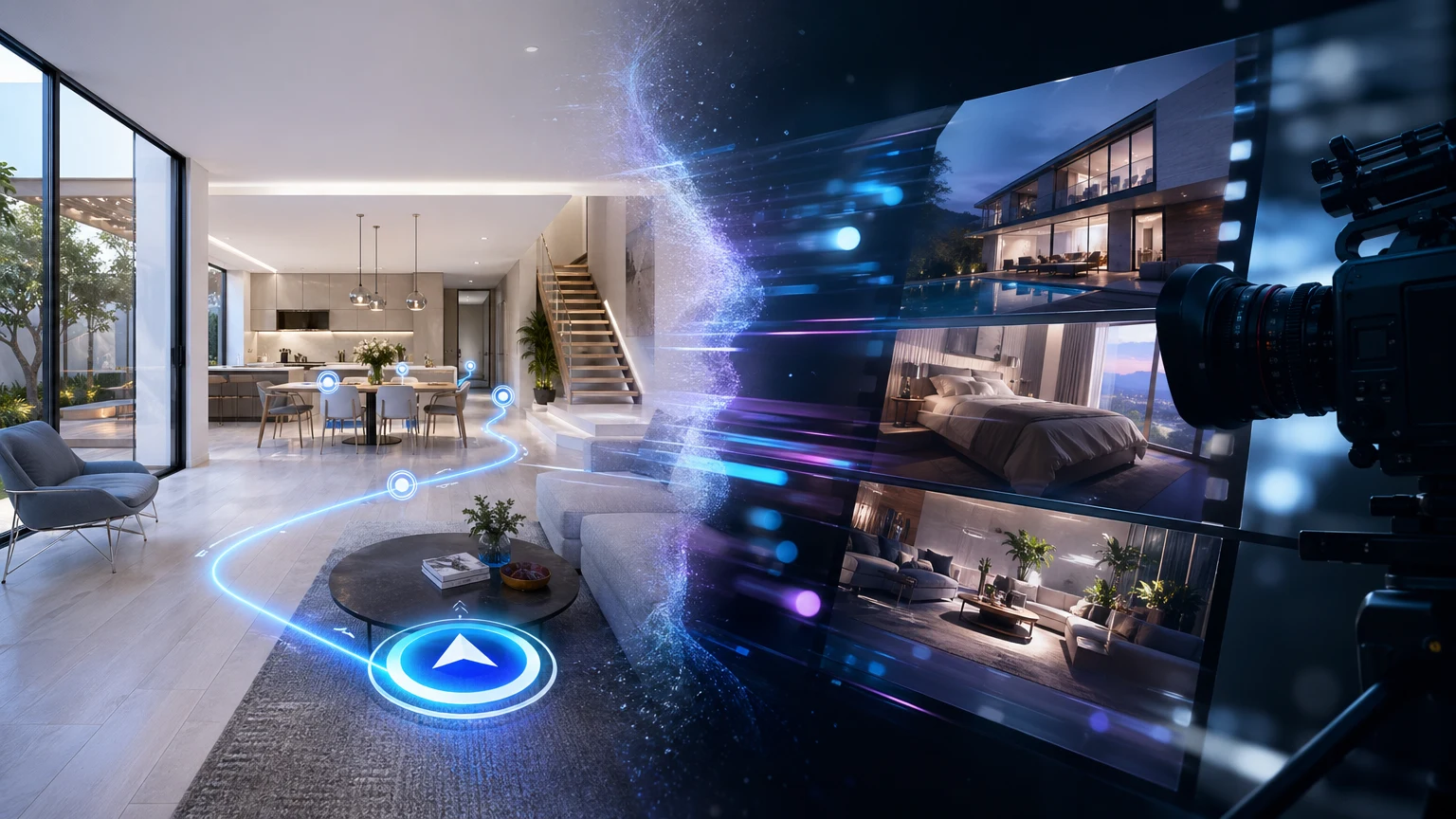
Property teams juggle two powerful formats when launching a listing: video and virtual tours. Both sell space. Both influence the funnel. But they succeed in different moments. This guide focuses on when each format works best. If your page needs to spark emotion fast, video shines. If your page needs to explain how spaces connect and prompt a clear next step, guided interaction wins.
This guide breaks down virtual tour vs video for property marketing, how to choose for each channel in your listing funnel, and where a guided 3D approach from xdreality gives you the best of both worlds.
Why video still wins attention
Property marketing video is built for pace and polish. It’s linear, cinematic, and easy to consume anywhere. That makes it a strong top‑of‑funnel asset and an effective opener on social and ads.
Where video excels:
- Immediate emotion and brand feel
- Tight narrative control—no missed highlights
- Works across every channel that favors passive viewing (social, paid placements, PR)
- Minimal viewer effort—press play and absorb
Use property marketing video to set mood, introduce location, and position your brand. It’s a proven scroll‑stopper and a natural first touch.
Limitations of video for listings:
- Viewers can’t explore at their own pace
- It’s hard to answer “how does this room connect to that one?”
- Calls‑to‑action often sit outside the experience
- On explanation‑heavy pages, passive watching can stall next‑step action
If the goal is clarity—room relationships, circulation, amenities sequence—video alone can leave questions unanswered.
What virtual tours do that video can’t
A virtual tour or interactive property walkthrough lets prospects explore the space themselves. The value is obvious when a listing must explain complex layouts, stacked amenities, or varied unit types.
Where virtual tours deliver:
- Spatial understanding—see relationships, not just highlights
- Self‑paced exploration—dig into what matters to each audience
- Contextual detail—labels, hotspots, floor plan overlays
- In‑experience prompts—progress bars, next‑step CTAs, forms
However, many traditional tours are fully free‑roam. While flexible, free‑roam can overwhelm first‑time viewers and bury the storyline that marketers need to land.
That’s where a guided approach changes the game.
Virtual tour vs video: a quick decision framework
Use this checklist to align format with goal, audience, and channel.
Goal
- Spark emotion fast → Video
- Explain flow and features clearly → Virtual tour (guided)
- Both emotion and clarity → Video opener + guided walkthrough
Audience
- Broad awareness (social, PR) → Video
- Qualified interest (listing page, email nurture, broker portal) → Guided virtual tour
Message complexity
- Straightforward, single story → Video
- Multiple floor plans, amenities, or technical details → Guided virtual tour
Device and time
- Mobile, quick browse → Short video
- Desktop/tablet, intent to evaluate → Guided virtual tour
Call‑to‑action
- Brand follow, learn more → Video end card
- Book a viewing, download brochure, select a unit → Guided tour with in-line CTAs
When a page must both educate and convert, combining formats works well: lead with a 15-30 second video, then place a guided interactive walkthrough above the fold to answer questions and guide action.
Guided 3D with xdreality: interactive and built for action
xdreality is built for room tours, virtual showrooms, 3D product pages, and guided interactive experiences. Instead of leaving visitors to wander, you map a clear path through the space and instrument each step with the right message and CTA.
How guided sequencing elevates your tour:
- Guided steps: define the sequence—lobby → amenities → model unit → views → availability
- Consistent story: every viewer sees the core narrative before optional branches
- Focused attention: limit choice when it helps; offer branches when it adds value
- Inline CTAs: book a viewing, download a floor plan, or chat without leaving the tour
- Measurable progression: understand where viewers advance, pause, or convert
What this means for explanation‑heavy pages:
- You keep the clarity of a video’s narrative without losing the benefits of interactivity
- Viewers understand connections between rooms, not just moments
- Next steps are visible and timely because they’re built into the route
The result is an interactive property walkthrough designed to remove confusion and prompt action. For listing teams, that’s often the difference between “looks nice” and “book a tour.”
Where each format fits in your listing funnel
Every channel has a job. Map video and virtual tours where they make the most impact.
Top of funnel (awareness)
- Social ads and reels: short video that hooks in seconds
- Press and brand campaigns: longer, cinematic cuts to position the offering
- Outdoor and DOOH: silent, visual loops derived from the hero cut
Mid‑funnel (consideration)
- Listing pages and microsites: guided 3D tour that explains flow and features
- Broker and partner portals: modular tours that branch by floor plan or audience
- Email nurture: segment with deep links to specific route steps (e.g., “See the rooftop”)
Bottom of funnel (conversion)
- Guided tours with in‑experience booking forms
- Unit‑level routes tied to availability and specifications
- Sales enablement: shareable, narrative‑consistent sequences for agents
How to combine:
- Lead with a short video hero for emotion
- Place a guided 3D tour just below to answer “how it works” and drive the primary CTA
- Use stills and clips pulled from the 3D route for ads and retargeting
Measuring impact without guesswork
Whatever you choose in the virtual tour vs video decision, track the moments that prove movement through the funnel.
For video:
- Play rate and average watch time
- Rewatches or key moment spikes
- End‑card CTR and downstream action on your site
For interactive tours (guided):
- Step progression: how many viewers complete the core route
- Click paths: which branches earn attention
- Hotspot engagement: which details drive interest
- CTA interaction: bookings, downloads, emails started from inside the experience
On explanation-heavy pages, a guided tour can be especially effective because each step sets context for the next action. You’re not relying on a viewer to find the path: you set it, and you make the next step obvious.
Practical build plan for a guided property walkthrough
If you’re moving beyond a property marketing video or free‑roam tour, use this simple plan to ship quickly with xdreality.
- Define the story
- Who’s the audience—residential prospects, brokers, or corporate tenants?
- What’s the must‑see sequence—entry, amenities, model unit, views, neighborhood?
- What is the primary CTA at the end—book, inquire, or download?
- Map the route
- Core path: 5–8 steps that everyone follows
- Optional branches: deeper dives for specific interests (e.g., two‑bed layout)
- Guardrails: keep branching light so viewers never lose the thread
- Prepare assets
- 3D scenes, renders, or captured rooms
- Short copy for overlays and labels—keep it scannable
- CTA assets—forms, calendar links, brochures
- Build and annotate
- Add steps with clear titles and progress indicators
- Place hotspots for features that need context
- Embed inline CTAs at moments of highest intent
- QA across devices
- Test the route on desktop and mobile
- Ensure steps load quickly and CTAs are thumb‑friendly
- Validate that every branch returns smoothly to the core path
- Ship and optimize
- Embed on the listing page near the primary CTA
- Pair with a short video hero to attract and educate
- Monitor step completion and adjust content order to reduce drop‑off
With xdreality, the same guided model also powers virtual showrooms and 3D product pages, useful if your property includes amenity equipment, fixtures, or partner products that need explanation.
Bottom line: choose by job, not by format
- Use video to attract and frame the story
- Use a guided virtual tour to explain and convert
- Combine both on your listing page for a complete experience
If you’re comparing virtual tour vs video, the question isn’t which is better in general—it’s which is better for the job your page must do today. When the job is clarity plus action, a guided interactive route is built for it.
For the route-first pages behind this comparison, see Virtual Tour Software, Room Tour, and Apartment Virtual Tour Software for Leasing Teams.
Ready to decide? Review which format fits your listing funnel
- Audit one live listing page: does it need emotion (video), clarity (guided tour), or both?
- Map the core route in 5–8 steps and the single CTA you want at the end
- Spin up a guided walkthrough in xdreality, embed it under a short video hero, and track step progression and CTA engagement
Want help planning the route? Share your listing goal and audience, and we’ll outline a guided tour that matches your funnel. Then you can compare performance against your property marketing video and choose with confidence.