
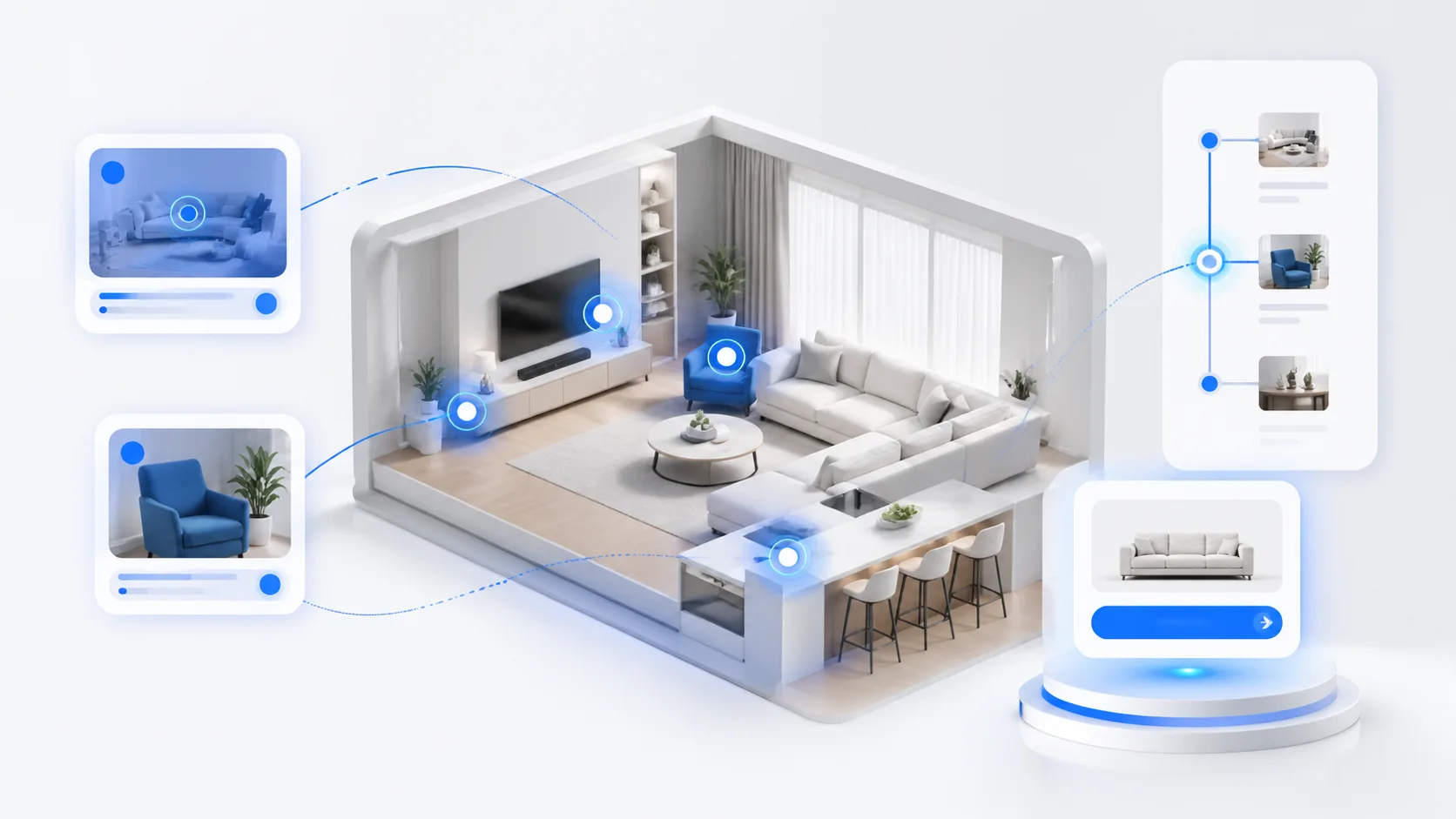
Modern teams searching for 3D content workflows want AI to help with capture, scene organization, copy generation, publishing checks, and measurement. But most 3D content still moves through disconnected tools and manual steps. That is exactly where a route-first approach and a practical 3D agent make a difference.
xdreality is a route-first 3D platform for room tours, virtual showrooms, 3D product pages, and guided interactive experiences. By structuring experiences around routes, the platform gives agents and human operators a shared map for how content is created, enriched, approved, and published.
Use this page as a practical 3D content workflow map: capture readiness, route scaffolding, hotspot labeling, copy generation, guided interactions, publishing checks, and measurement.
Quick answer: what are 3D content workflows?
3D content workflows are the repeatable steps that move a scan, model, or asset bundle into a usable 3D experience. A complete workflow covers intake, route planning, scene cleanup, hotspot labeling, copy, accessibility checks, publishing, and measurement.
For revenue teams, the workflow should also define where the experience lives: a product showcase, virtual showroom, room tour, or 3D product page. That destination matters because it decides which CTAs, analytics events, and review checks need to be ready before launch.
3D content workflows: what teams actually need
A useful 3D content workflow is the repeatable path from raw assets to a published route. It should tell the team what enters the system, which skills act on each scene or product moment, where human review is required, and what checks must pass before the experience goes live.
For xdreality, that workflow is route-first. The route becomes the shared structure for capture cleanup, scene sequencing, hotspot labels, product copy, preview images, analytics events, and final publishing. This makes the workflow easier to automate because every step has a target, an owner, and a clear output.
What is a 3D agent (and why it needs a route-first home)
A 3D agent is an AI-driven process that takes responsibility for tasks within 3D content production. It is not a monolith. It is a coordinator that runs a series of skills — atomic actions like aligning a scan, labeling a hotspot, drafting product copy, checking scene links, or proposing a thumbnail — and does so with clear context.
In 3D, context is everything: camera paths, hotspots, annotations, product variants, lighting states, and the intended audience path through a scene. Without that structure, agents guess. With it, they can work predictably.
Route-first means the experience itself defines the spine of production. A route is the canonical path through a space or object: entry node, waypoints, interactions, and exits. When an agent has a route:
- It knows where a skill should act (which room, node, hotspot, or product state)
- It knows the goal (tour, showroom, product compare, guided page)
- It knows what “done” looks like (publishable route with checks passed)
Where 3D workflows break today
Most teams feel the pain in four places. The symptoms are common, whether you are shipping a room tour, a virtual showroom, or a 3D product page:
- Capture: Scans and imports arrive from different sources and formats. Naming is inconsistent. Scale and origin differ from scene to scene.
- Scene organization: Nodes, hotspots, and assets get added manually. Links break when scenes are rearranged. Variants multiply without structure.
- Copy and visuals: Teams write copy, labels, and CTAs outside the 3D tool, then paste them back in. Thumbnails and cover images are picked ad hoc.
- Publishing: Embeds, pages, and guided experiences are pushed separately to sites, showrooms, or campaigns. Analytics are attached late, if at all.
These are solvable problems when the workflow is route-first and an agent can reason over every step. The objective is not magic; it is practical orchestration that removes rework and makes human approvals faster.
Route-first structure: the backbone of agentic 3D production
xdreality uses routes to organize 3D content. A route defines the journey a user will take — scenes, waypoints, hotspots, content states, and the transitions between them. That single object becomes the reference for content and automation.
This matters for agentic 3D production because agents need:
- Stable identifiers: Persisted IDs for scenes, hotspots, and media so skills can target the right elements
- Deterministic context: Entry, path, and exit states that guide decision-making and let skills run in the right order
- Policy boundaries: Where an agent is allowed to act, and where human approval is required
- Outcome checks: Pass/fail conditions such as “route opens cleanly on mobile,” “all hotspots have alt text,” or “primary CTA exists on first waypoint”
With a route, skills stop being free-floating scripts. They attach to the route and its nodes. The result is a repeatable flow from capture to publish that teams can govern.
3D skill workflows in xdreality
A 3D skill workflow is a chain of scoped tasks that execute against a route. You can run them on-demand, on schedule, or based on triggers (new scan added, route edited, publish requested). Example skills that fit naturally into a route-first model:
- Capture readiness
- Normalize scale and origin, set default lighting, and flag missing geometry before a route is constructed
- Suggest initial waypoints for a room tour or product spin based on geometry and camera paths
- Scene organization
- Propose a logical route sequence (entry, primary nodes, exits) aligned to your intended use case
- Detect and label hotspots (features, materials, rooms, or accessories) with consistent naming
- Validate links between nodes to prevent dead-ends
- Copy and visuals
- Draft concise hotspot labels, variant descriptions, and CTA text tied to each waypoint’s intent
- Generate alt text for accessibility and preview thumbnails based on the route’s hero angles
- Suggest guided prompts for interactive experiences that bridge exploration and conversion
- Publishing checks
- Verify that embed dimensions, loading order, and device breakpoints match route performance targets
- Confirm that analytics events are registered at key waypoints and that UTM parameters are set
In xdreality, a 3D skill workflow wraps these atomic steps around the route structure. Your team defines:
- Triggers: What starts the agent (capture import, route edit, publish request)
- Scope: Which route, nodes, or hotspots are in-bounds
- Policies: Which steps require approval and who owns the decision
- Outcomes: Clear pass/fail checks and the target publish destination (room tour, showroom, 3D product page, guided page)
The power here is not a single omnipotent model. It is a reliable set of skills, each grounded in the route, that move work forward without guesswork.
An end-to-end AI workflow for 3D content
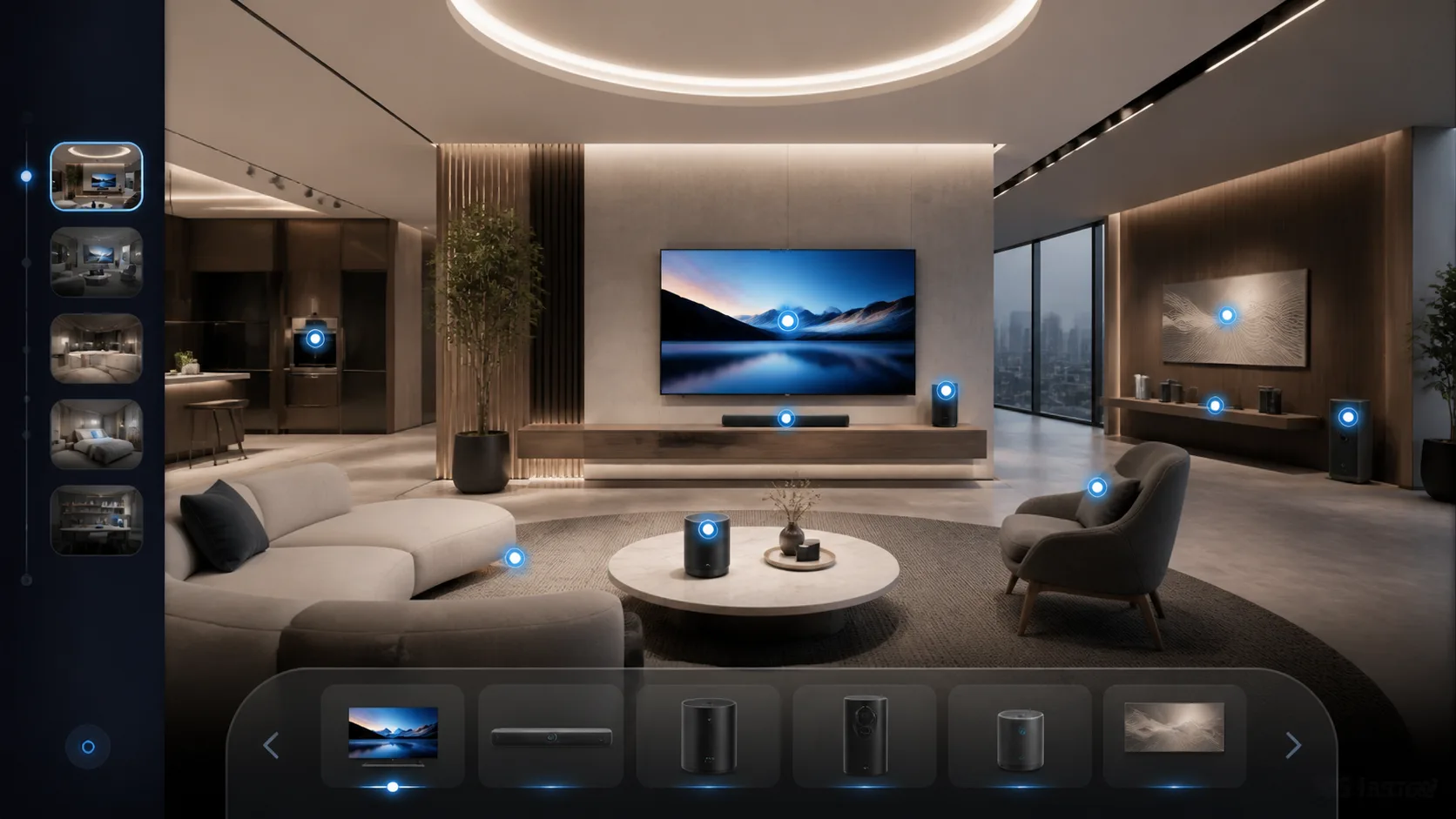
Below is a practical ai workflow for 3d content that teams can run in xdreality. It is intentionally simple, agentic, and measurable:
- Capture and intake
- Add a scan, CAD, or asset bundle. The agent runs a capture readiness skill: normalize origin/scale, set defaults, and log any gaps.
- Output: A clean starting scene bound to a new or existing route.
- Route scaffolding
- The agent proposes an initial route for the intended experience (tour, showroom, product page). It identifies an entry node, core waypoints, and exits.
- Output: A draft route map with nodes and transitions your team can review quickly.
- Hotspot and asset labeling
- Skills detect likely hotspots (rooms, features, materials) and propose names consistent with your taxonomy.
- Output: Labeled elements tied to the route. Human reviewers approve, edit, or reject suggestions.
- Copy generation and visuals
- The agent drafts labels, variant notes, and CTAs for each waypoint. It also proposes hero angles and thumbnail candidates.
- Output: A content-ready route. Edits are captured inline so the agent can learn your tone and style boundaries.
- Guided interactions
- For guided interactive experiences, the agent proposes prompts that help users explore and convert — for example, “Compare finishes,” “Open the storage,” or “View in daylight.”
- Output: Lightweight guidance anchored to route nodes, not scattered callouts.
- Publish readiness checks
- The agent validates links between nodes, confirms alt text exists, and verifies analytics events for route milestones.
- Output: A signed-off checklist. Only then does the publish request proceed.
- Publishing
- Publish the route as a room tour, virtual showroom, 3D product page, or guided page. The route remains the source of truth across destinations.
- Output: One route, many destinations, consistent measurement.
- Measure and iterate
- Analytics tied to route nodes show drop-offs and high-engagement segments. The agent can propose micro-optimizations: reorder a waypoint, strengthen a CTA, tighten copy, or swap a hero angle.
- Output: Iterations with clear diffs and controlled approvals.
This workflow is agentic 3d production in practice: a set of skills moving predictably from capture through scene organization, copy generation, and publishing, always grounded by the route.
What teams gain and how to start
AI product teams
- A stable contract for agents (the route), clear triggers and outcomes, and room to integrate your own models or services as skills
- Faster iteration loops because agents operate on structured context rather than unbounded scenes
Creative ops teams
- Fewer manual handoffs and less copy-paste between tools
- Human-in-the-loop approvals at the right moments: labeling, copy voice, hero angles, and final publish
Growth operators
- A direct line from route milestones to metrics, so you can test guided prompts and CTAs without rebuilding the scene
- Consistent publishing across room tours, virtual showrooms, 3D product pages, and guided pages
Why route-first matters for your roadmap
- Predictability: Agents act in known places with known goals
- Reuse: One route powers multiple destinations without reauthoring
- Governance: Skills carry policies, approvals, and checklists that scale with your team
Talk with xdreality about agent-assisted 3D publishing workflows. If your team is stitching together disconnected steps today, a route-first model gives your 3D agent and 3D skill workflow a reliable foundation. xdreality organizes your content, guided pages, and publishing steps around the route so skills can be precise, measurable, and reviewable. Let’s align your capture, scene organization, copy generation, and publishing into one agentic 3D production flow that your team can ship with confidence.
FAQ: 3D content workflow planning
What should a 3D content workflow include?
A practical workflow should include asset intake, scene normalization, route planning, hotspot labeling, copy and CTA writing, preview-image selection, device checks, accessibility checks, analytics events, and a final publish review.
How is a 3D content workflow different from a 3D asset pipeline?
An asset pipeline focuses on preparing files. A 3D content workflow connects those files to the experience a buyer or visitor will use, including route structure, guidance, page context, calls to action, and measurement.
When should a team use an agent or skill workflow?
Use an agent or skill workflow when the same 3D production tasks repeat across many pages, scenes, showrooms, or product launches. The best first skills are narrow checks such as hotspot labeling, alt-text drafts, route validation, thumbnail suggestions, and publish-readiness checks.
Related reading and implementation paths
For teams building an actual route-first stack, these pages connect the operational model to concrete delivery outcomes:
- From 3DGS Model to Web for the capture-to-route foundation that agents can operate on.
- 3DGS Lightweight Delivery for Faster Web Experiences for step-aware streaming, device budgets, and route-scoped optimization.
- Product Showcase for product-focused guided experiences with variants and CTAs.
- Virtual Showroom for multi-scene guided selling and launch flows.
- Room Tour for space-based navigation, hotspot guidance, and room-by-room storytelling.
- Contact if you want to review an agent-assisted 3D publishing workflow with the xdreality team.