
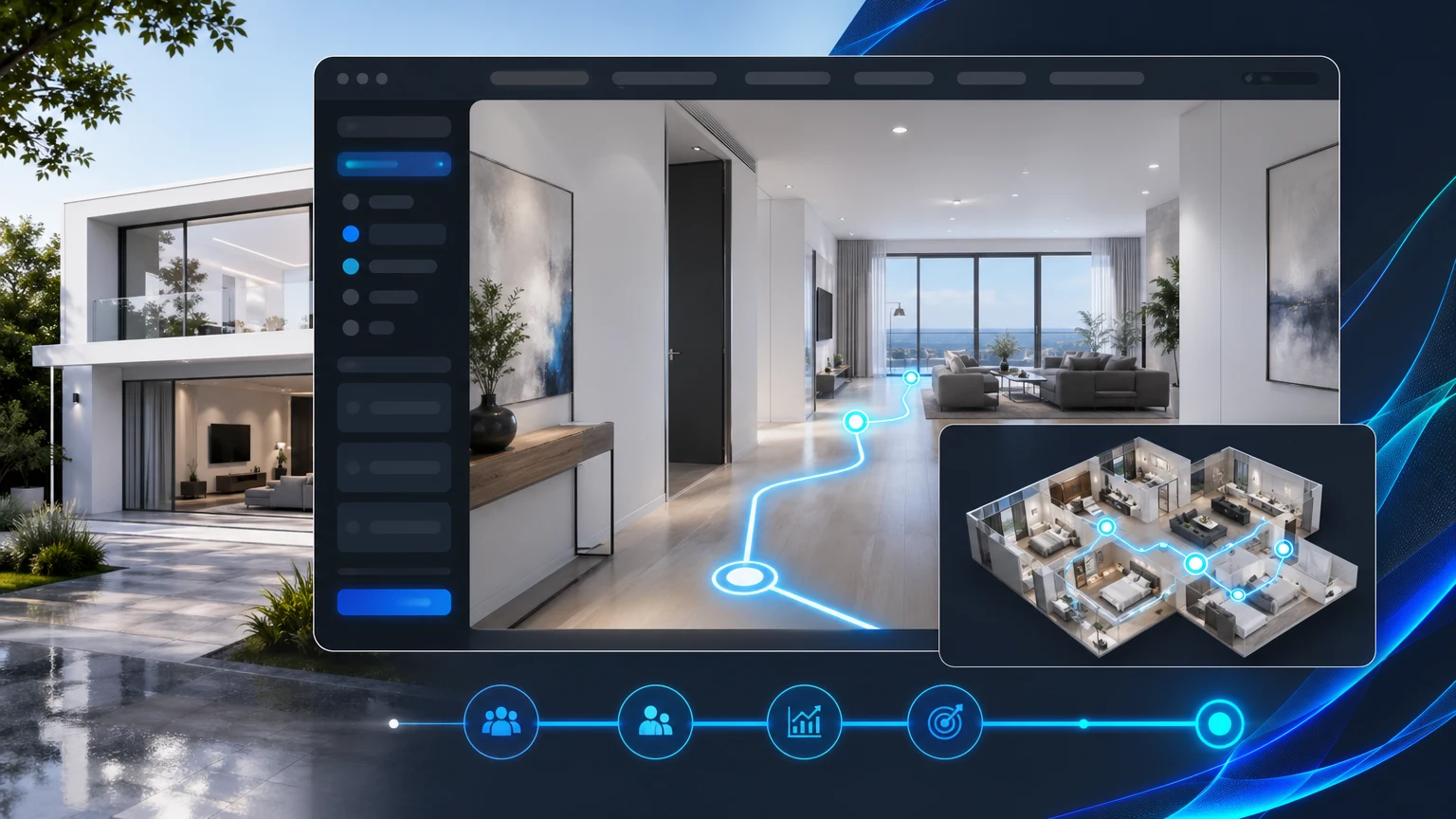
Most builder websites still rely on galleries and 360s to sell a model. Buyers click, swipe, and guess at the home’s flow. What they really need is a guided room tour that explains how spaces connect, why you made layout decisions, and which upgrades matter.
A guided 3D tour turns your plan into a story. With xdreality, you publish a model home walkthrough that moves room to room, surfaces the right talking points at the right moment, and places inquiry CTAs exactly where buyers make decisions.
Why galleries fall short for model homes
Photo galleries and free-roam virtual tours show surfaces but rarely communicate how a plan lives.
Common gaps:
- No sense of flow: Buyers don’t know how the kitchen relates to the mudroom, or where the powder bath sits during entertaining.
- Upgrades are invisible: A cabinet package or shower upgrade is hard to notice without side-by-side context.
- Options confuse the story: Loft vs. bedroom conversions, expanded patios, and alternate kitchen layouts blur together in static images.
- Calls to action are detached: Lead forms live above or below the content, not at the exact moment a buyer is considering an option.
If the goal is to help a buyer feel the plan and move toward inquiry, you need a guided room tour that shows relationships, annotates upgrades, and threads CTAs into the flow.
What a guided room tour is
A guided room tour is a structured, room-to-room experience that follows a defined path through a plan. Instead of free-floating navigation, the tour moves along stops that mirror a sales conversation.
In xdreality:
- You choose the path: Foyer → Great Room → Kitchen → Pantry → Owner’s Suite → Loft, or any flow that matches how you present the home.
- Each stop has a purpose: A short caption explains the layout decision, an upgrade tag shows alternatives, and a CTA invites the next step.
- Options branch naturally: Buyers can preview structural options and then snap back to the main route without getting lost.
- The floor plan stays front-and-center: Waypoints align to the plan, so visitors always know where they are in the home.
This is an interactive floor plan story, not a scavenger hunt. The route design keeps buyers oriented while giving them agency to explore upgrades and variants at key moments.
How xdreality aligns storytelling with inquiry CTAs
xdreality is built for room tours, virtual showrooms, 3D product pages, and guided interactive experiences. For home builder websites, it helps marketing teams publish a guided room tour that connects storytelling to lead generation.
With xdreality, you can:
- Map a sales flow: Define the tour route and assign each stop a message—layout rationale, comfort benefits, or livability notes.
- Surface upgrades with intent: Toggle cabinet packages, bath layouts, appliance bundles, or patio extensions on the stop where buyers care.
- Pair CTAs to decisions: Add “Schedule a model tour,” “Request pricing,” or “Ask about this option” directly on upgrade stops.
- Keep pages fast and on-brand: Embed the tour on plan, community, or model pages with your styling and messaging.
- Track what resonates: See which stops are viewed, which options are toggled, and where CTAs are clicked to inform content and sales follow-up.
The result is a home builder virtual tour that moves buyers through the plan with clarity and gives your team intelligence about interest in specific spaces or options.
Build a model home walkthrough that mirrors your sales conversation
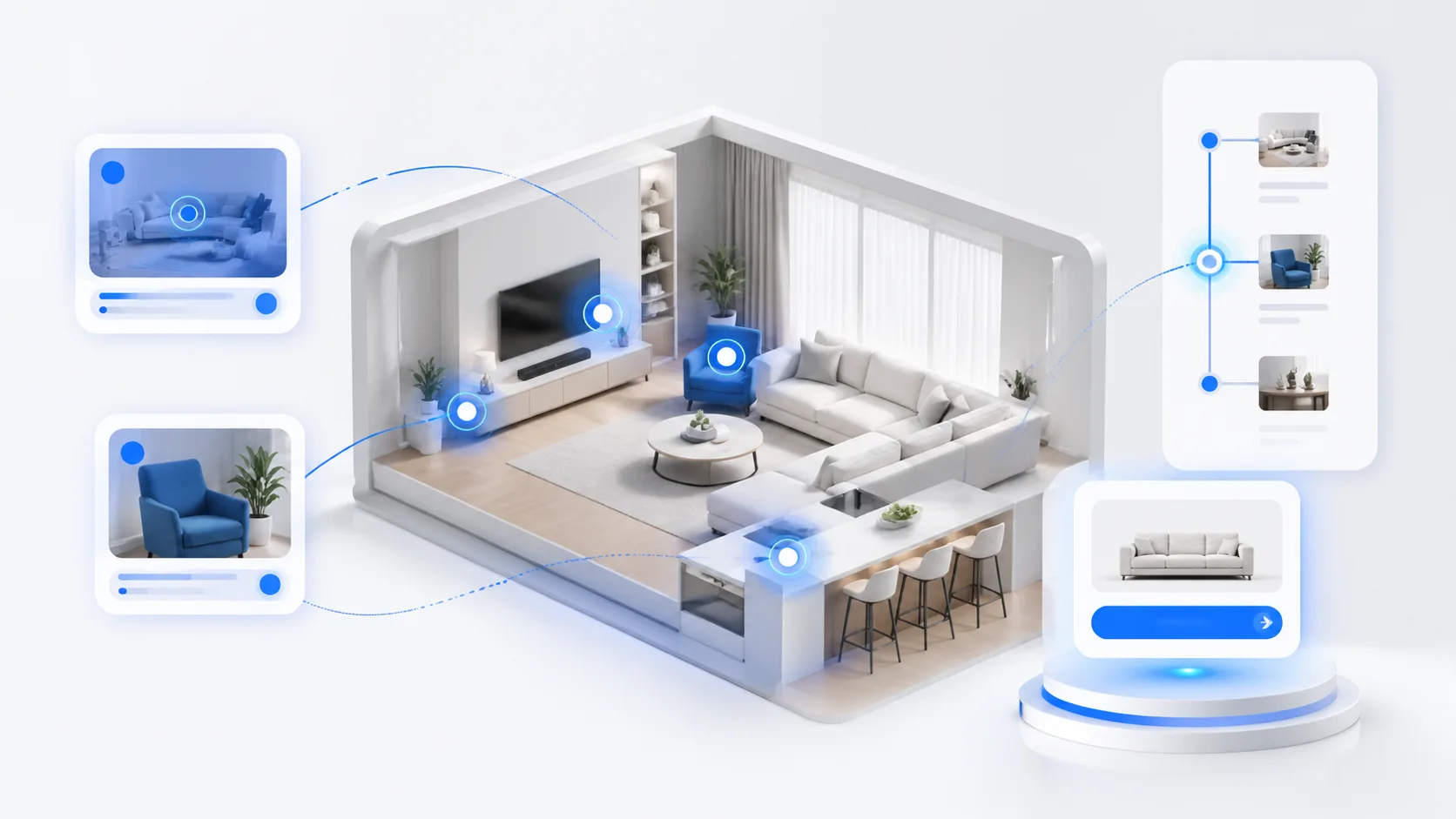
A strong model home walkthrough feels like your best on-site demonstration, delivered online.
Consider these steps when designing your tour:
- Start with the first impression
- Foyer or Entry: Explain sightlines and why the first turn matters.
- Great Room: Clarify how entertaining flows to dining and kitchen.
- Establish the heart of the home
- Kitchen stop: Compare base vs. upgraded cabinet packages or island variations.
- Pantry stop: Highlight storage strategy, not just square footage.
- Resolve private vs. public spaces
- Owner’s Suite: Walk through privacy, bath layouts, and closet access.
- Secondary Beds or Loft: Show the difference between a lofted plan and a 4th bedroom option.
- Validate everyday living
- Mudroom/Laundry: Connect garage entry, storage, and drop zones.
- Outdoor Living: Compare standard patio with extended or covered options.
- Close on choices and next steps
- Summaries: Recap selected options and emphasize what fits specific buyers (work-from-home, multigenerational, entertainers).
- CTAs: Place frictionless “Schedule a tour,” “Request a call,” or “Get option pricing” right on the final stop.
Use short, persuasive copy at each stop. The tour narrates the plan and lets buyers try options without getting lost in a free-roam maze.
From plan to publish: implement a guided room tour with xdreality
Your team can move from floor plan to guided tour using a straightforward workflow that fits common builder processes.
Inputs and setup:
- Floor plan context: Provide plan names, elevations, and the route you want to tell.
- Assets: Use compatible 3D models or visuals, or configure scenes that match your plan’s look and feel.
- Stops and messages: Outline 8–14 route stops with the copy you’d say in the model home.
- Options: Define structural choices and upgrade toggles you want available at specific stops.
Publishing on your site:
- Embed on plan pages: Place the tour where your spec sheet and gallery live so buyers get story and specs together.
- Pair with quick-inquiry modules: Use CTAs linked to your CRM or form provider on the moments that matter (kitchen options, owner’s bath, outdoor living).
- Add community context: Reference lot fit or HOA considerations in captions where relevant.
Post-launch iteration:
- Analyze path and stop engagement: See where buyers linger and which variants they preview.
- Refine copy and CTAs: Shorten stops that stall, add clarity where buyers pause, and move CTAs to match decision points.
- Localize for multiple communities: Adjust options or messaging per community without rebuilding the entire tour.
The goal is a guided room tour that stays current with your sales strategy and inventory.
Tips for residential marketing teams creating an interactive floor plan story
Use these practical guidelines to make your tour feel purposeful and easy to complete:
- Keep stops short: One clear message per stop beats a long list of attributes.
- Show, then tell: Use a quick toggle animation or angle shift before the caption appears.
- Compare like-for-like: Show base vs. upgrade from the same camera angle so differences are unmistakable.
- Respect buyer choices: Let visitors branch into an option and return to the main route without losing progress.
- Place CTAs where intent peaks: Kitchen island toggles and owner’s bath comparisons are natural points to request pricing.
- Keep orientation visible: Use a mini-map or plan thumbnail to anchor the visitor.
- Optimize for mobile: Ensure captions and CTAs don’t cover the content and that tap targets are clear.
These details reinforce a professional, buyer-centric experience that complements your in-person model tours.
What to measure and how to use it
A guided room tour should give marketing and sales teams visibility into buyer interest:
- Completion rate: How many visitors finish the route or reach the final stop.
- Stop engagement: Which rooms and messages keep attention.
- Option toggles: Which upgrades are explored most often.
- CTA performance: Clicks on “Schedule a visit,” “Request pricing,” or “Ask about this option.”
- Path choices: Which branch (loft vs. bedroom, shower vs. tub) is preferred.
Use these signals to refine model merchandising, prioritize photos for MLS or ads, adjust spec inventory, and coach sales teams on what buyers care about before they arrive.
Related next reads for builder-site and room-tour planning
This home-builder use case usually sits inside a broader property storytelling decision. The most useful adjacent pages are:
- Room Tour Software Built for Real Estate Teams: if you want the wider route-first workflow behind guided property storytelling.
- Property Website Embed for Room Tours: if the next implementation question is how the guided experience lives inside your own site.
- Guide to Virtual Tour vs Video for Property Marketing: if your team is still balancing cinematic video against guided explanation.
- Guided Room Tour for Home Builder Websites: if you want the direct commercial route page behind this article.
Why xdreality for home builder virtual tours
xdreality is built for guided interactive experiences. For home builders, that means:
- A guided room tour that explains room relationships and layout decisions with the clarity of a live walkthrough.
- A model home walkthrough that reveals upgrades where they matter, not buried in a gallery.
- An interactive floor plan story aligned with in-context CTAs, so buyers can inquire at the exact moment of interest.
When you need more than pictures, and fewer dead ends than free roam, guided storytelling gives your plans the structure and persuasion they deserve.
See a guided tour flow for your plan
If you want a guided room tour that tells your floor plan story and aligns every stop with action, we can help. Contact sales to review a builder tour flow based on one of your plans and see how xdreality can fit your website and CRM.