
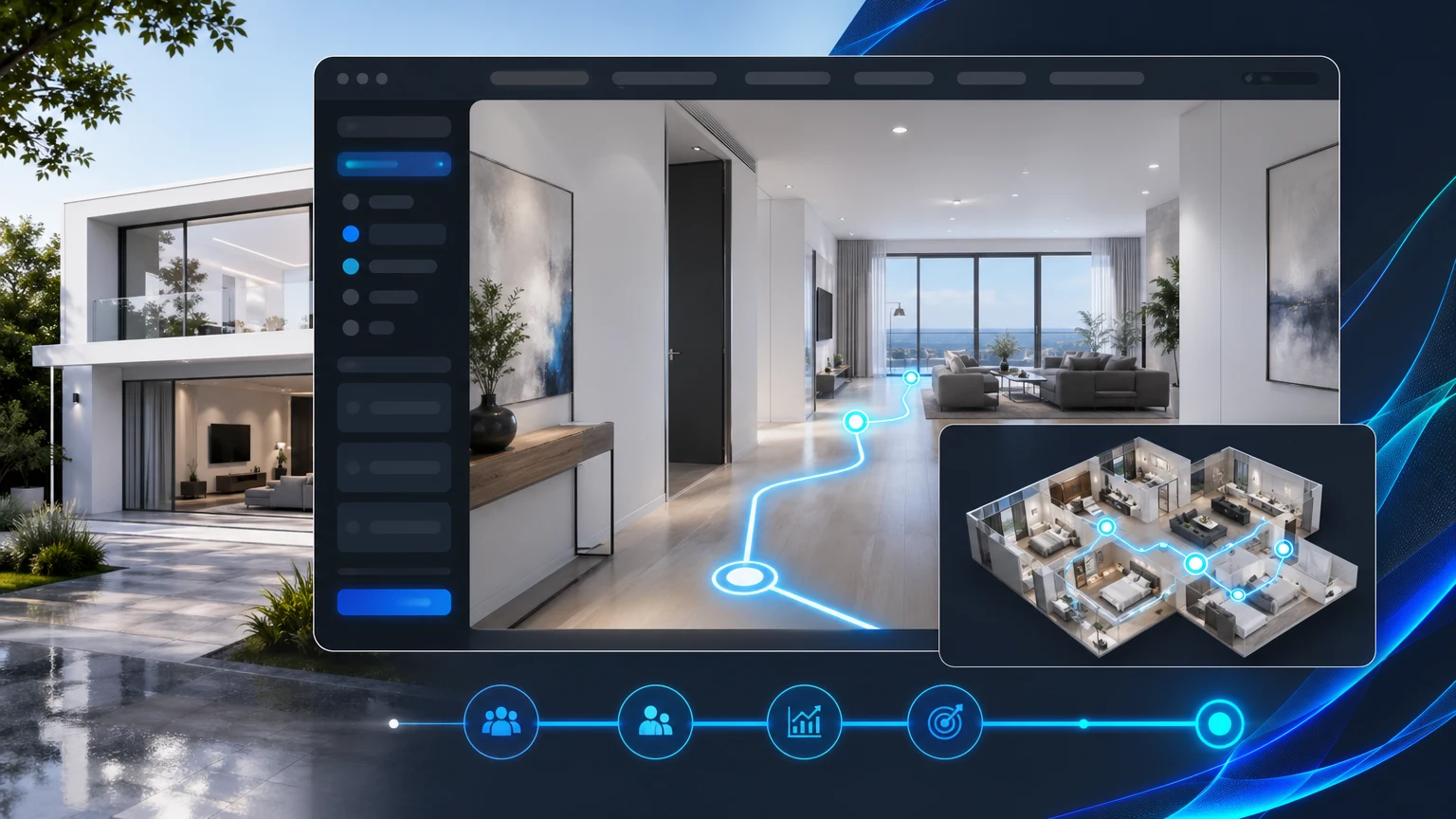
Property teams work hard to get qualified traffic to listing pages. The last thing you want is to send that audience off to a disconnected tour link with a different brand, different CTAs, and no control over the next step. A room tour embed keeps the experience where it belongs: on your property website.
xdreality is built for room tours, virtual showrooms, 3D product pages, and guided interactive experiences. For real estate teams, that means embedded virtual tours that look great, load inside your page, and keep visitors on your CTA path.
Why a room tour embed matters for property websites
When tours live offsite, you lose continuity and context.
- Brand fragmentation: visitors see another company’s UI and design.
- Conversion leakage: the Apply Now, Schedule a Tour, or Contact Agent actions are not front and center.
- Broken analytics: clickstream and attribution split between domains.
- UX friction: jumps between tabs and devices increase drop‑off.
A website room tour embedded on your listing page solves these gaps. It keeps the property site walkthrough in the flow of your page design, next to the copy, pricing, and forms you control. This preserves your navigation, trust signals, and most importantly, the CTAs that move renters and buyers forward.
Guided 3D: purposeful and built for CTAs
Most tours are free-roam. That is fine for exploration, but it can bury the moments that drive action. xdreality takes a guided approach:
- Guided steps: define a route through key spaces and viewpoints, so visitors see what matters in a clear sequence.
- Story beats: label each step with concise messaging — living room, kitchen finishes, bedroom storage, balcony view — to align with your positioning.
- Inline CTAs: attach calls to action to specific moments. For example, a Schedule a Tour prompt after the amenities segment.
- Smart branching: let visitors jump to floor plans, amenities, models, or neighborhood highlights without losing the path.
This approach converts a passive embedded virtual tour into a structured property site walkthrough that supports your listing goals.
How xdreality’s room tour embed fits your site experience
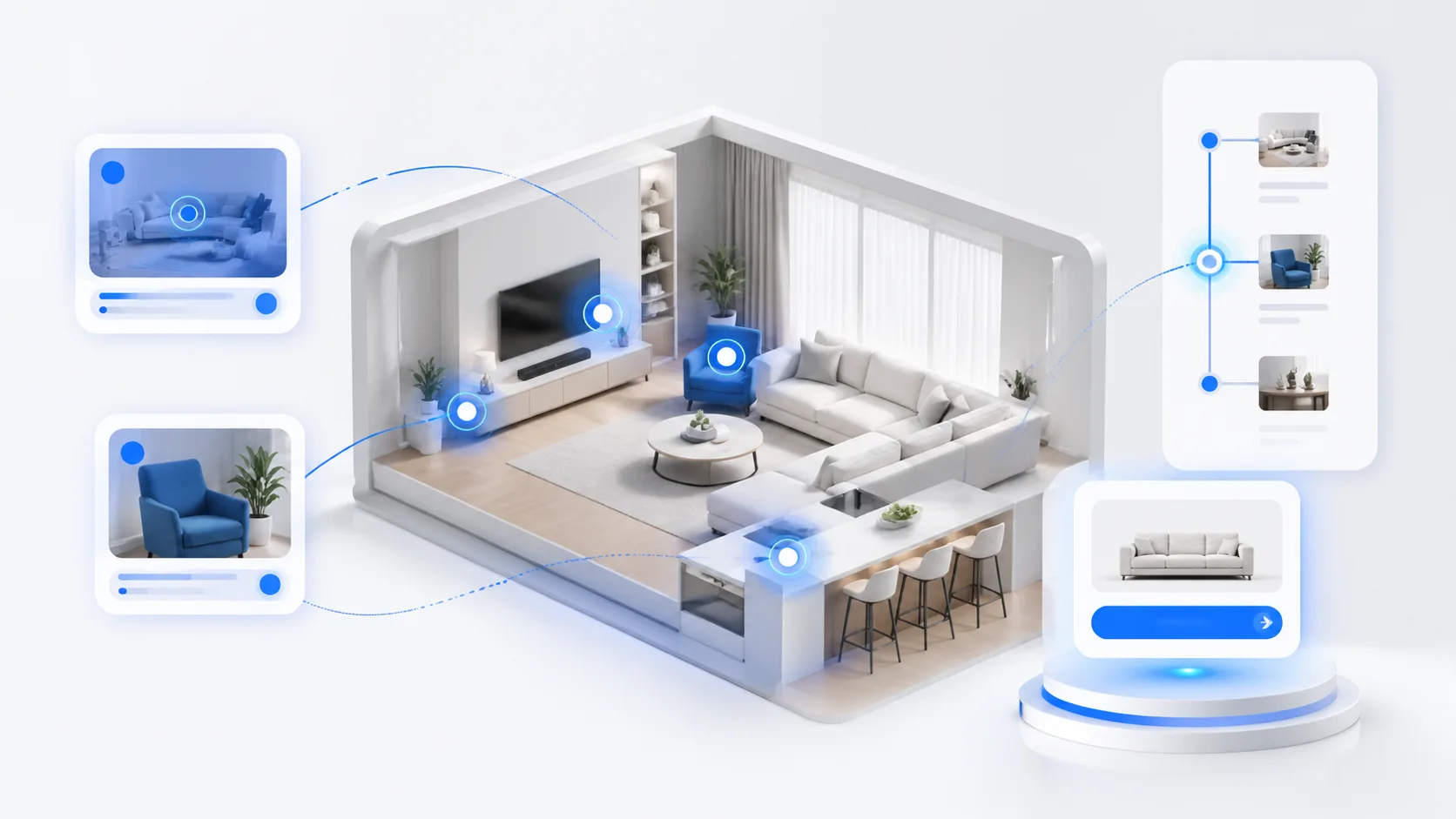
The xdreality embed is designed to preserve your site experience and CTA path.
- Lives in your layout: the tour loads within your page, under your header and alongside your content modules.
- Brand‑matching UI: choose control styles that match your site’s look and feel.
- Flexible CTAs: place persistent or moment‑based CTAs that point to your forms, chats, and booking tools.
- Deep links: link directly to a specific step of the route from thumbnails or cards, ideal for multiple unit types.
- Analytics events: capture tour starts, step completions, and CTA taps in your preferred analytics and marketing tools.
- Cross‑device: give mobile visitors a smooth, guided tour without forcing pinch‑and‑zoom guesswork.
You maintain the continuity of your listing page while visitors experience a clear, high‑intent tour.
Implementation: from space assets to embedded tour in your CMS
Getting a room tour embed live with xdreality follows a straightforward path.
-
Prepare assets
- Use existing 3D models, BIM, or scans where available.
- For unfurnished inventory, add staged furnishings or finish packages as needed.
- Organize spaces by plan or unit type to align with your website structure.
-
Build the route
- Define the sequence: entry, living, kitchen, bedrooms, baths, storage, balcony, amenities.
- Add concise labels and short notes that reflect your marketing copy.
- Create optional jumps to floor plan details, neighborhood, or leasing information.
-
Add CTAs
- Global: a floating Schedule a Tour or Apply Now button.
- Step‑based: present a Contact Agent prompt after the kitchen finish showcase, or a Start Application prompt after the full walkthrough.
- Route completion: show a clear next step when the tour ends.
-
Configure options
- Choose visual theme and controls that complement your site.
- Set default camera speed and sensitivity for a smooth, guided feel.
- Enable deep links for each route step to power thumbnails and tabs.
-
Publish and embed
- Generate the embed snippet from xdreality.
- Place it in your CMS on the listing page or community page.
- Add event forwarding to your analytics, advertising tags, or CRM workflows.
-
Review and go live
- Validate responsive behavior and page performance.
- Confirm CTA destinations and tracking.
- Launch and promote within your inventory carousels and hero areas.
This workflow keeps your team in control, from first route draft to a polished website room tour.
Patterns that work for different property types
Whether you manage a single flagship building or a portfolio of communities, these embed patterns help align tours with listing goals.
-
For multifamily leasing
- Use unit‑type tabs that each deep link to the corresponding tour route.
- Place a compact tour player above the fold, with a larger modal view available.
- Attach a Schedule a Tour CTA that opens your booking flow without leaving the page.
-
For new developments and pre‑lease
- Focus the route on finishes, amenity highlights, and model unit story.
- Connect route steps to floor‑plan cards to make plan discovery quick.
- End with a Register Interest CTA and downloadable spec sheet.
-
For single‑family communities and build‑to‑rent
- Offer a neighborhood overview route plus a home interior route.
- Use route branching to move between elevations or finish packages.
- Integrate a Contact Sales prompt with preferred lead capture.
-
For commercial and mixed‑use
- Lead with lobby and circulation route steps, then shell or fit‑out options.
- Provide a Book a Viewing CTA aligned with broker workflows.
These patterns keep attention on the features that drive decisions while maintaining the site’s conversion path.
Measuring what matters and iterating on the route
Once your embedded virtual tour is live, track the moments that correlate with intent. Useful signals include:
- Tour starts and completions
- Step‑level drop‑off to identify confusing segments
- CTA views and clicks by step
- Deep link engagement from thumbnails or tabs
- Device breakdown to fine‑tune mobile pacing
Use the data to adjust:
- Route length and emphasis: shorten long stretches, add quick anchors for key finishes.
- Copy: tighten labels and captions to align with your brand voice.
- CTA placement: move prompts to moments with high attention.
- Entry point: test a hero placement versus a mid‑page embed.
This closed loop keeps your website room tour focused on the outcomes that matter.
Related next reads for property-site rollout
This embed question usually sits in the middle of a broader property-content decision. The most useful adjacent pages are:
- Room Tour Software Built for Real Estate Teams: if you want the larger workflow behind the embedded player.
- Guide to Virtual Tour vs Video for Property Marketing: if your team is still deciding how much of the listing experience should be video versus guided interaction.
- Pre-Leasing Virtual Tours for Multifamily Marketing: if the embed needs to support lease-up education and qualification before an in-person visit.
- Property Website Embed for Room Tours: if you want the direct commercial page version of this implementation path.
Governance, brand consistency, and collaboration
Property websites often involve multiple stakeholders. xdreality supports a collaborative process that stays aligned with your brand and approvals.
- Roles and review: marketing owners define copy and CTAs; creative teams set themes; leasing provides feedback on route clarity.
- Brand guardrails: lock themes and controls to maintain consistency across communities.
- Content reuse: apply proven routes to similar unit types and update copy centrally.
The result is a repeatable, governed approach to embedded tours across your listing stack.
How xdreality differs for property teams
- Guided philosophy: the tour is structured around your story and CTAs, not just free-roam visuals.
- Site‑native embedding: maintain your header, navigation, and lead capture paths without sending visitors to another domain.
- Deep linking and analytics: every route step can be linked and tracked, so content and performance move together.
- Built for scale: manage routes and embeds across multiple plans, buildings, and communities with consistent standards.
When your tours are designed to fit your site and your funnel, they support marketing goals while improving the visitor experience.
Next steps
If you are ready to keep tour engagement and conversions on your property website, xdreality can help. Our guided room tour embed preserves your brand, your CTAs, and your analytics, and it gives visitors a clear path through the spaces that sell.
See how embedded room tours can fit your listing stack. Reach out to get a walkthrough of xdreality and discuss an embed plan for your properties.