

Product page conversion starts with context
When shoppers hesitate, it is rarely because your price or button color is wrong. It is because they still lack context. How big is it in real space? How does it work in a real moment of use? What actually makes this model different from the others?
This is the gap xdreality is built to close. As a platform for room tours, virtual showrooms, 3D product pages, and guided interactive experiences, xdreality lets growth teams add guided 3D context to the product page so you can show the right moments before the call to action.
Why product pages stall: missing context
Most product pages rely on a mix of photos, a feature list, and a single 360 spin. These assets are useful but often leave two critical questions unanswered:
- Scale and fit: How does the product occupy real space next to the sofa, within a workspace, or on a countertop?
- Use and differentiation: What happens at the key moment of use, and which features actually change the experience versus the alternatives?
Without answers, shoppers reopen tabs, compare elsewhere, and delay the decision. Your traffic paid to arrive on the page must work harder to supply the missing context with fewer steps.
What a guided 3D product page is
A guided 3D product page presents an interactive model with a short, intentional sequence of steps that explain scale, use, and differentiation before the add to cart.
With xdreality, teams define:
- Chapters: concise scenes that tell the story in 10 to 60 seconds
- Hotspots: labeled points that highlight value, materials, and mechanisms
- Camera moves: pre-scripted viewpoints that make comparisons and scale clear
- Actions: simple interactions that show a feature in motion
This is not a free-roam sandbox or a passive video. It is a guided path that answers the decision-making questions you hear in pre-sale chat, reviews, and returns. And because it is built for the product page, it complements existing images and copy rather than replacing them.
Design the moments that move conversion
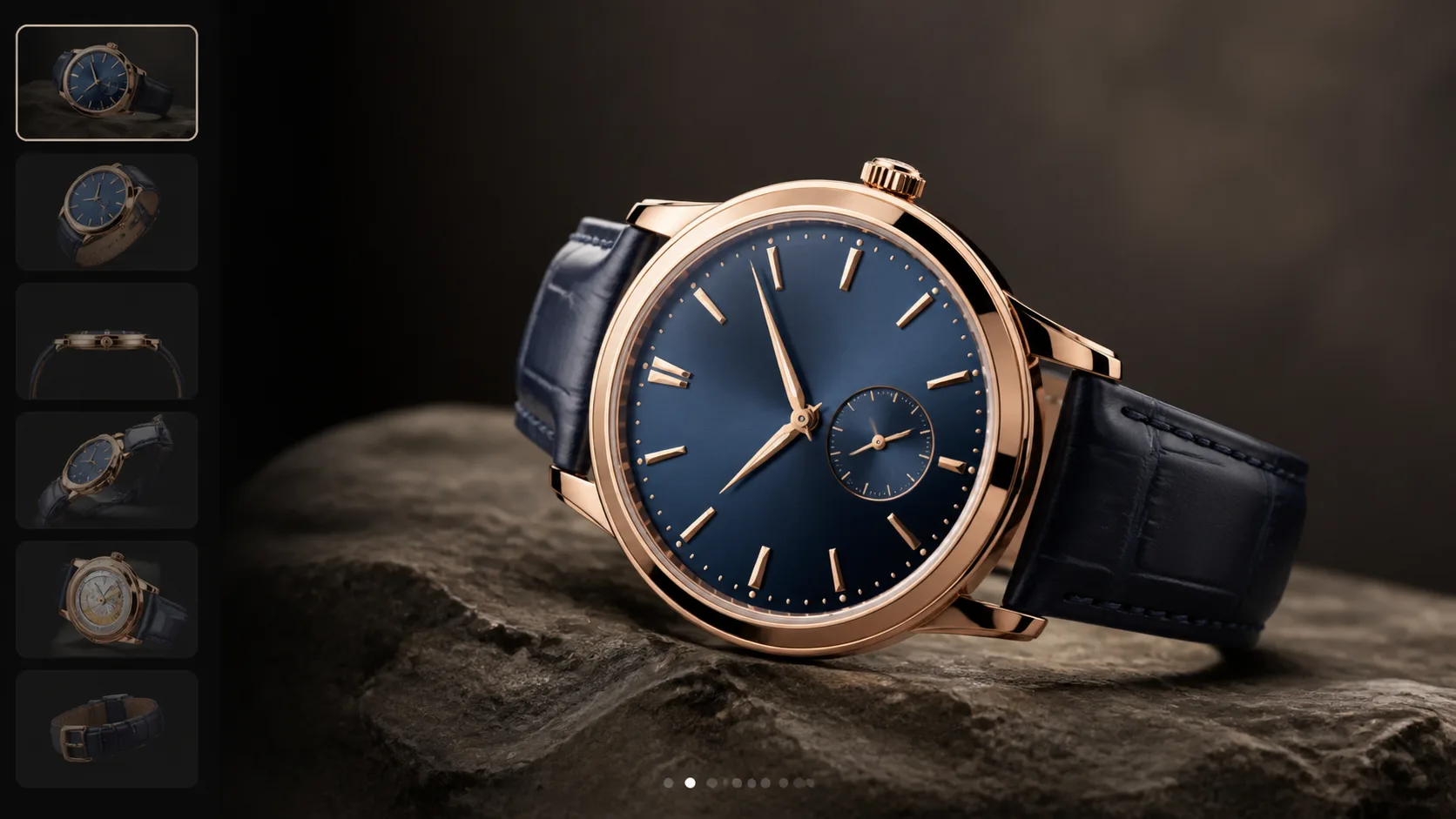
Shoppers do not need everything about your product; they need the right things at the right time. Use these moment patterns to shape your route:
-
Scale in context
- Drop the product into an accurate room scene or next to an everyday object
- Use camera comparisons to show before and after footprint, clearance, or reach
- Provide dimensions inline so shoppers do not hunt for a spec sheet
-
Setup into first use
- Reveal how it opens, attaches, or pairs in two to three beats
- Make the first run obvious with simple interactions that mirror real use
- Call out what is included versus what is optional
-
Differentiators that matter
- Contrast your model with lookalikes by showing specific differences
- Visualize material quality, mechanisms, or precision that photos flatten
- Answer the why this one question right before the CTA
-
Compatibility and fit checks
- Show the product with accessories or common add-ons
- Confirm fit for popular environments, e.g., small apartments, office desks, cars
- Offer a guided size check so returns due to fit confusion are less likely
Each chapter should be short, skimmable, and designed to stand alone. The goal is not to teach everything; it is to remove the last blockers that stop someone from clicking.
Integrate without sacrificing speed or SEO
A conversion asset only works if it respects the constraints of your page and team. xdreality is built for the realities of ecommerce operations:
-
Lightweight embed
- Paste a single embed block onto your PDP and place it near the feature stack or above reviews
- Progressive load so the rest of the page renders first
-
Device-aware performance
- Mobile-first camera paths with touch-friendly hotspots
- Fallbacks for low-power devices to keep the page responsive
-
No disruption to your stack
- Works with common ecommerce platforms and CMS
- Plays well with your analytics and testing tools
-
Accessible by design
- Label hotspots with keyboard navigation and alt text
- Provide concise chapter summaries for screen readers
The result is guided 3D that behaves like a modern PDP module, not a heavy microsite bolted on the side.
Measure the moments: 3D showcase conversion signals
If it is not measured, it is not a growth play. xdreality routes produce structured signals that make it easy to learn and iterate:
- Guided-flow starts and completions: see how many shoppers begin and finish the guided sequence
- Chapter drop-off: identify which moment loses attention and tighten it
- Hotspot engagement: learn which features attract interest so you can align copy and images
- CTA adjacency: track how many shoppers view the final chapter before clicking add to cart or add to wishlist
- Variant exposure: understand which colors or configurations are most explored
Because events are standardized, you can:
- Map route completion to add to cart and checkout events
- Run A/B or multivariate tests that compare a guided 3D product page against a static gallery
- Share a clean story with stakeholders on how interactive product context affects conversion, bounce, and return drivers
These signals move the conversation from subjective creative to objective conversion levers you can repeat across the catalog.
Where guided 3D shines across categories
Any product that benefits from spatial understanding or mechanism clarity can gain from a guided 3D showcase. Common high-impact use cases include:
-
Furniture and home goods
- Show sofa scale in a standard living room, leg clearance for robot vacuums, and fabric texture
- Illustrate recline or storage mechanisms without guessing from photos
-
Appliances and tools
- Visualize door swing, hose reach, attachments, and noise dampening elements
- Clarify installation spacing and included hardware
-
Consumer electronics
- Demonstrate port layouts, hinge durability, and screen reflections in typical lighting
- Compare your model to a familiar device for quick scale recognition
-
Fitness and sporting goods
- Show footprint when folded and unfolded and where accessories attach
- Simulate motion at safe speeds to explain resistance or stability features
-
B2B equipment
- Present maintenance access points and safety signage in context
- Help procurement teams validate footprint and compatibility without on-site visits
Each category example shares the same principle: eliminate ambiguity by putting the product into an interactive, guided context that answers the buyer’s next question.
Beyond the PDP: rooms and showrooms that feed conversion
While the product page is home base, context can start earlier in discovery and still support conversion:
-
Room tours
- Let shoppers explore a curated environment where your hero product is used
- Link directly from a scene to the product page route for a fast handoff
-
Virtual showrooms
- Group related products to explain ecosystems or good-better-best tiers
- Use guided paths to direct attention to bundles that increase average order value
Because xdreality is built around guided sequences, you can orchestrate a consistent story across discovery, comparison, and the final PDP decision moment.
Related next reads for CRO, PDP, and showroom alignment
If your team is evaluating where guided 3D fits in the journey, these adjacent pages are the most useful follow-ups:
- A 3D Product Viewer That Converts: Guided Product Pages with xdreality: if the immediate question is the viewer itself and how it changes buyer confidence.
- 3D Product Viewer Embed for Shopify Product Pages: if the next operational step is embedding the experience into a live storefront.
- Interactive Product Showcase for Furniture Ecommerce: if the use case is furniture PDPs where material, scale, and placement dominate the decision.
- Virtual Showroom for Furniture Brands: if the discussion is expanding from one PDP to a broader brand or collection environment.
A practical playbook to launch in days
Growth teams do not need a generational redesign to ship guided 3D. Start with a single hero SKU and a focused route.
-
Pick the product
- Choose a high-traffic PDP with clear pre-sale questions and a known return driver
-
Map the route
- Draft three to five chapters: scale, setup, differentiator, compatibility, CTA
- Keep each chapter to 10 to 20 seconds and aligned to a single question
-
Gather assets
- Use existing CAD or photogrammetry scans where available
- Prepare brand-consistent labels and short hotspot copy
-
Build and review
- Assemble the route in xdreality with camera moves, hotspots, and interactions
- Run an internal review against common objections from support and sales
-
Embed and test
- Place the module near the feature stack or above the fold on mobile
- Set up baseline analytics and an A/B test against the current PDP
-
Iterate from data
- Tighten or reorder chapters based on drop-off and CTA-adjacent behavior
- Replicate the winning pattern to adjacent SKUs
This approach balances speed with rigor so you learn quickly and scale what works.
See a conversion-focused product page walkthrough
If your product pages are getting traffic but not enough decisive clicks, guided 3D context can be the shortest path to clarity.
Request a conversion-focused product page walkthrough, and we will map your key moments, design a route that answers them, and show exactly how it embeds on your PDP with analytics you can trust.